Creation Hub
Revenue Linter voiceover videos and image frames.
Eight website-ready clips built from the existing RevLint visual language. Each asset keeps the story focused on safe evidence review, no-secret entry paths, and zero-write production posture.
Free billing/access check
Free Risk Check
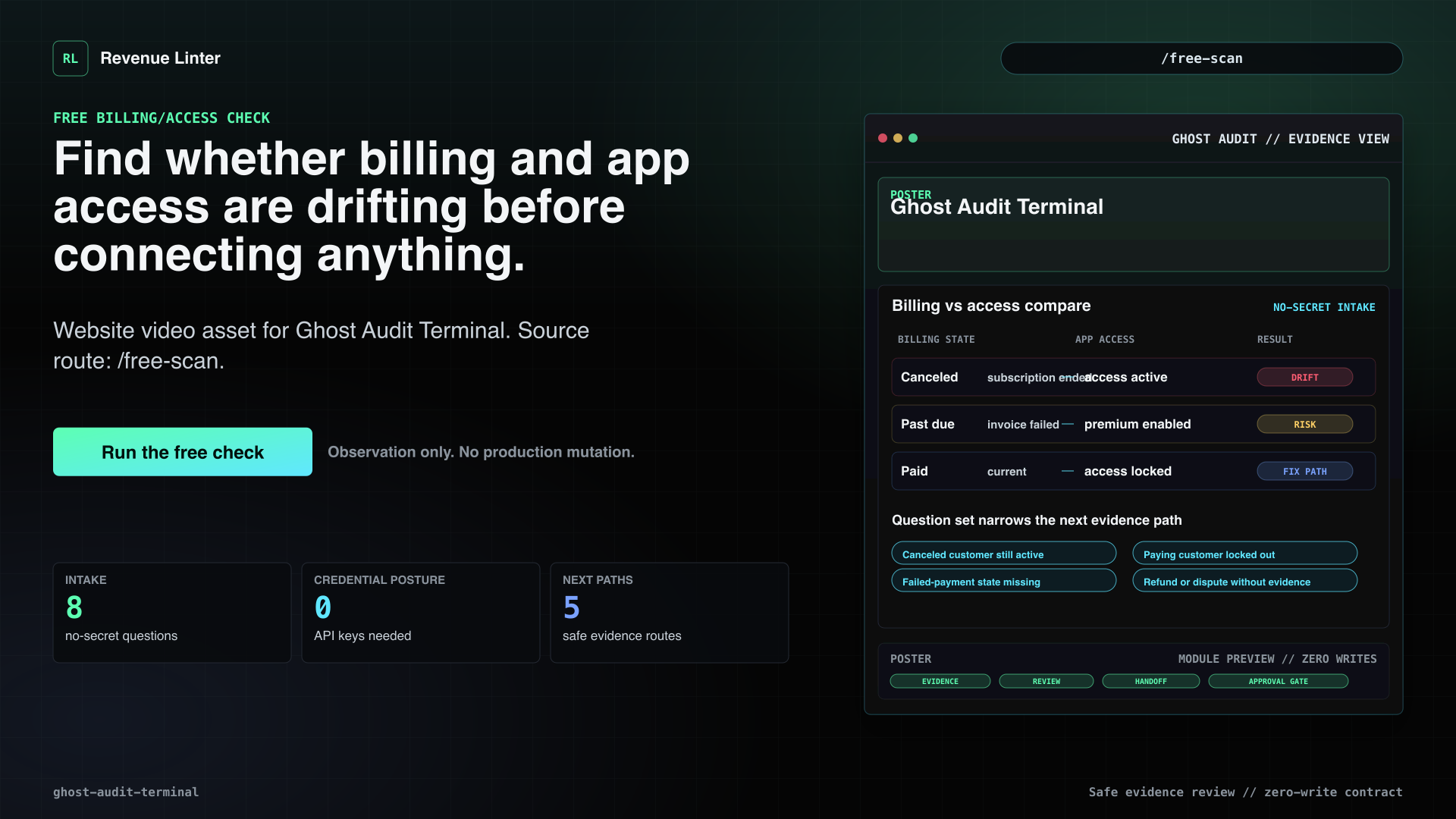
Find whether billing and app access are drifting before connecting anything.
Voiceover
Billing and access can disagree even when your dashboard looks healthy. A canceled customer may still have paid access. A paying customer may be locked out. The free risk check starts with three no-secret questions, then offers a detailed evidence path for billing, access, failed payments, cancellations, refunds, and disputes. It does not ask for API keys or touch production. It gives you a plain-language risk result and recommends the safest next evidence path: local review, imported evidence, Stripe billing proof, monitoring, or expert review.
Visual beats
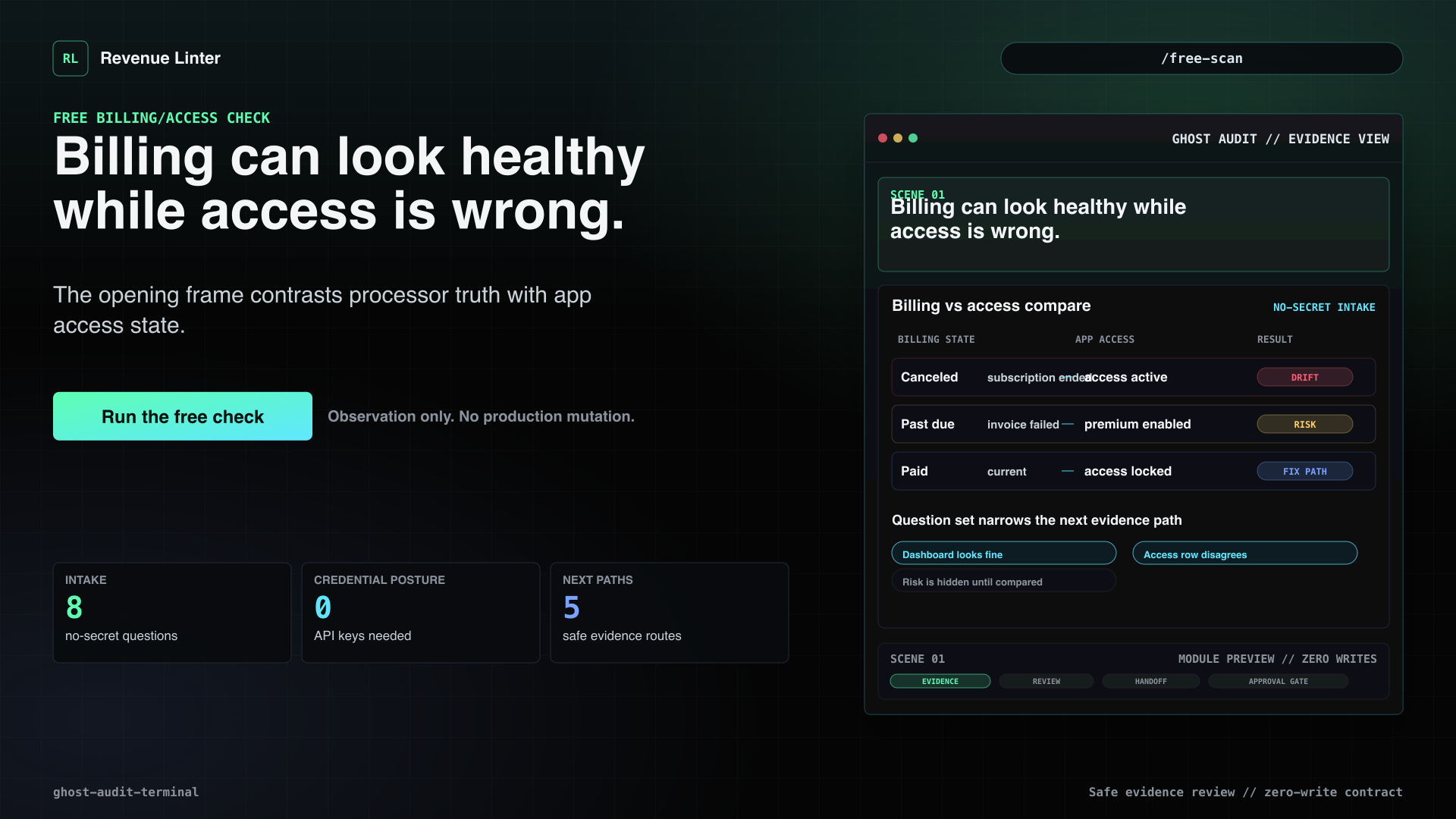
- Billing can look healthy while access is wrong.The opening frame contrasts processor truth with app access state.
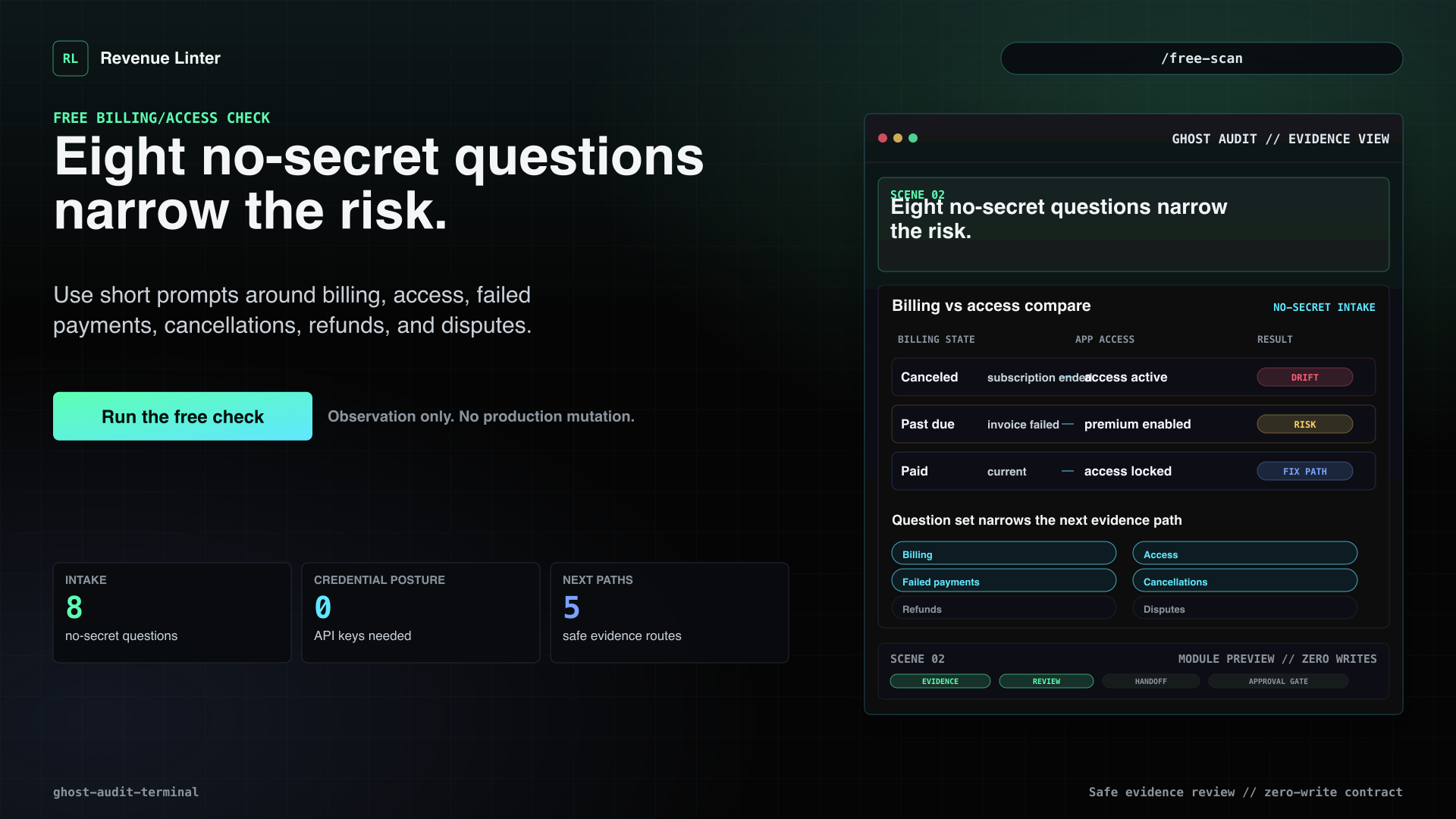
- Three no-secret questions create the first preview.Start with stage, billing system, and reconciliation history, then continue into deeper evidence only if useful.
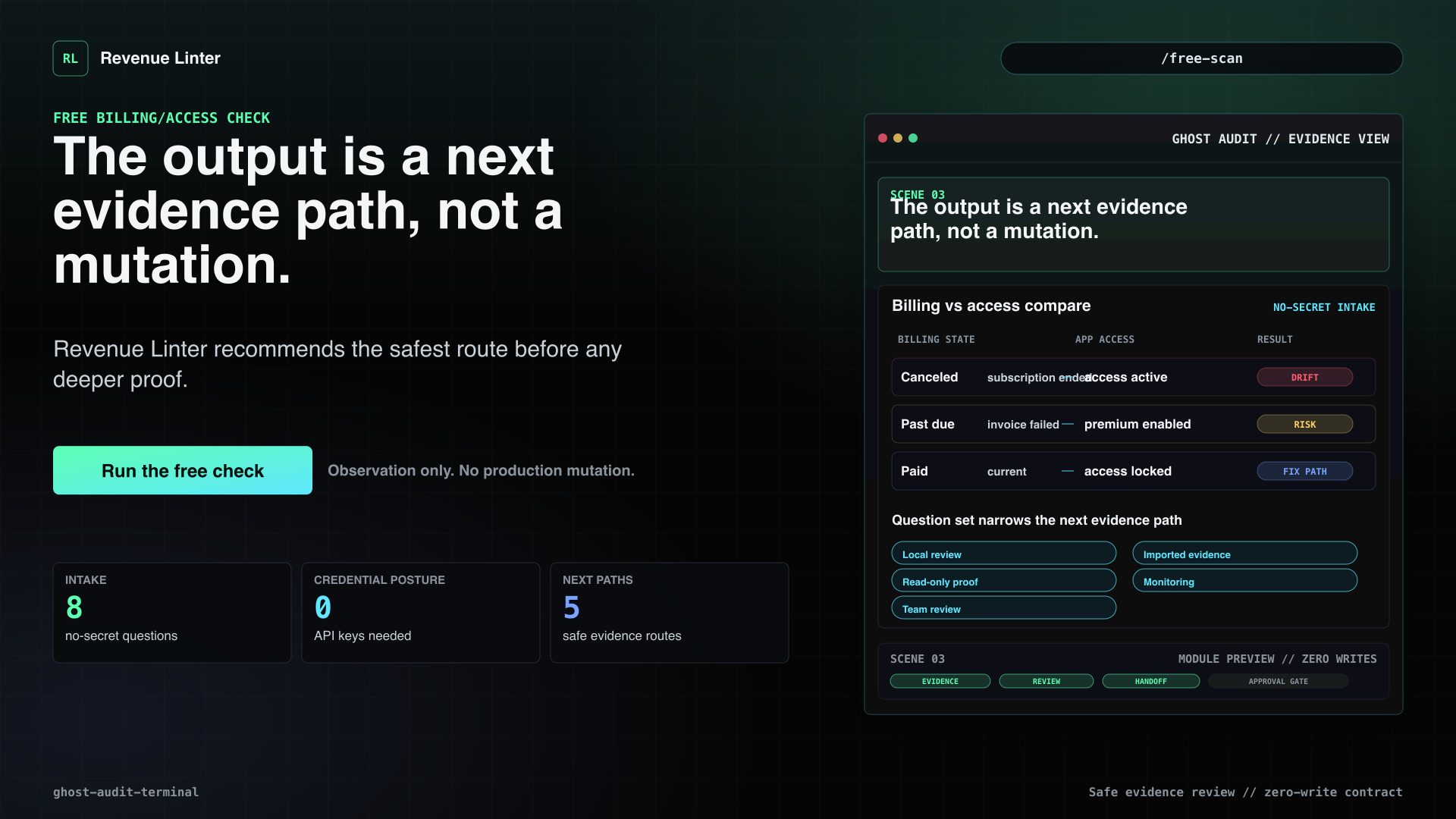
- The output is a next evidence path, not a mutation.Revenue Linter recommends the safest route before any deeper proof.
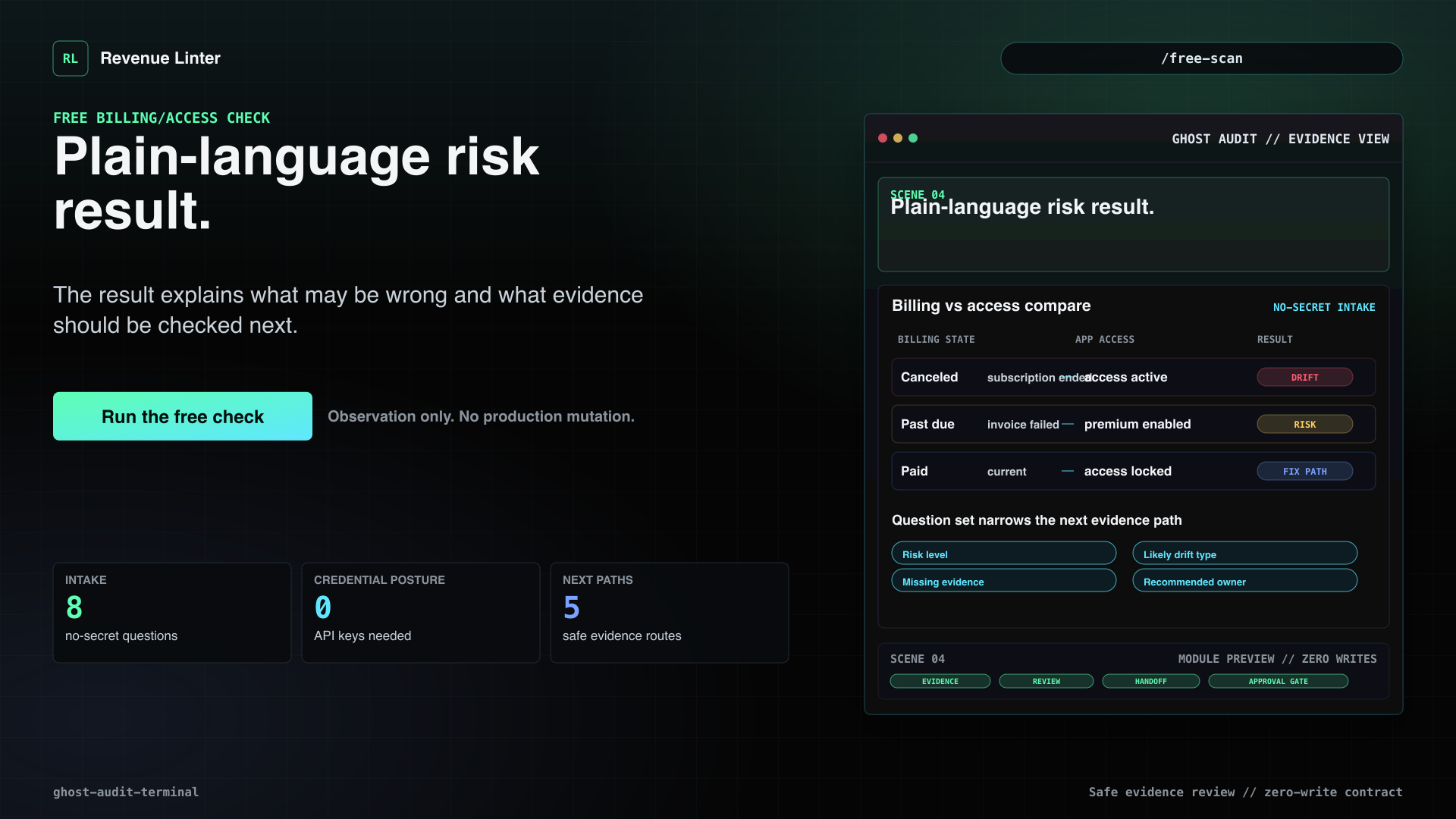
- Plain-language risk result.The result explains what may be wrong and what evidence should be checked next.
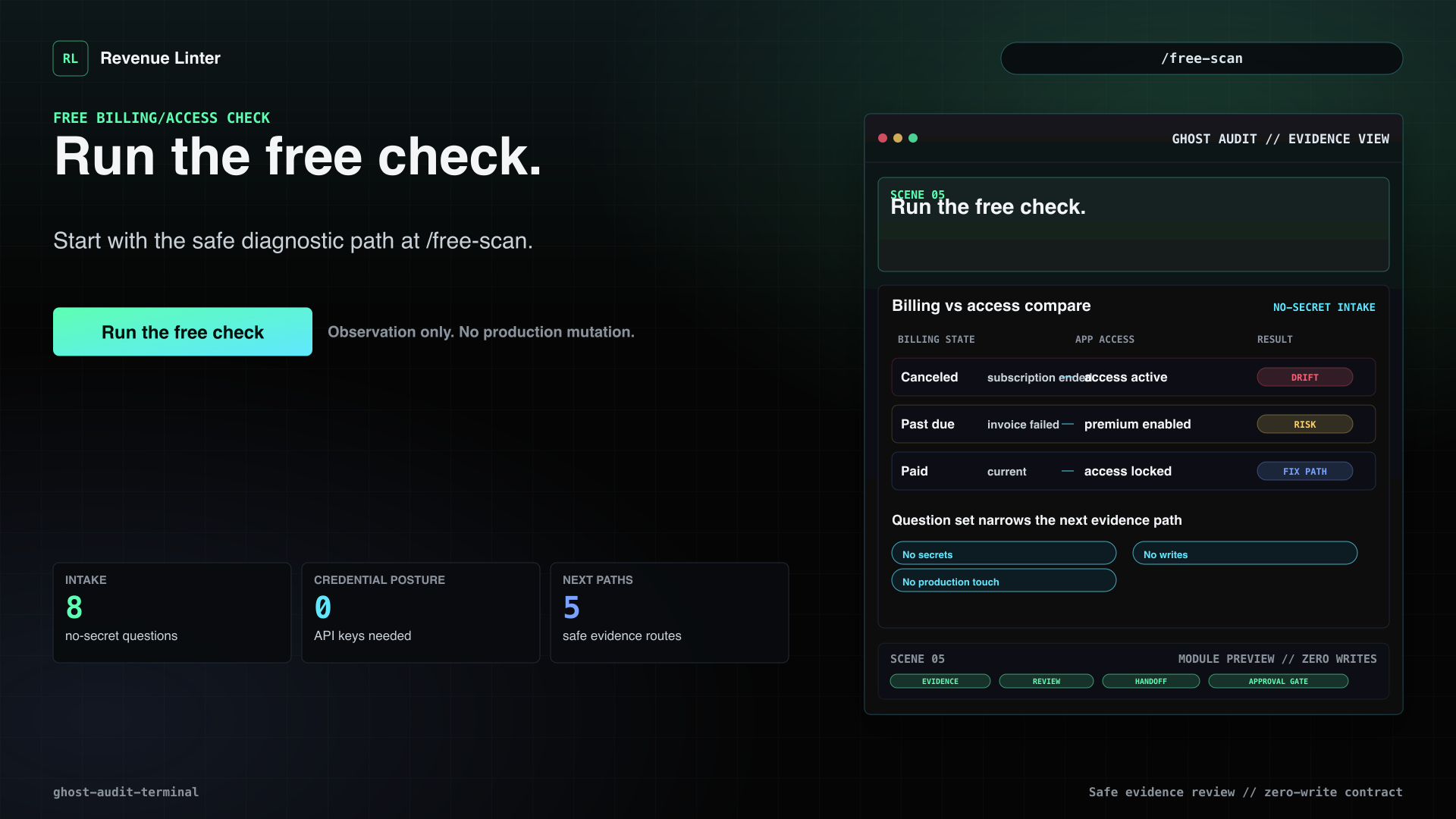
- Run the free check.Start with the safe diagnostic path at /free-scan.
Example finding
Demo Audit Calculator
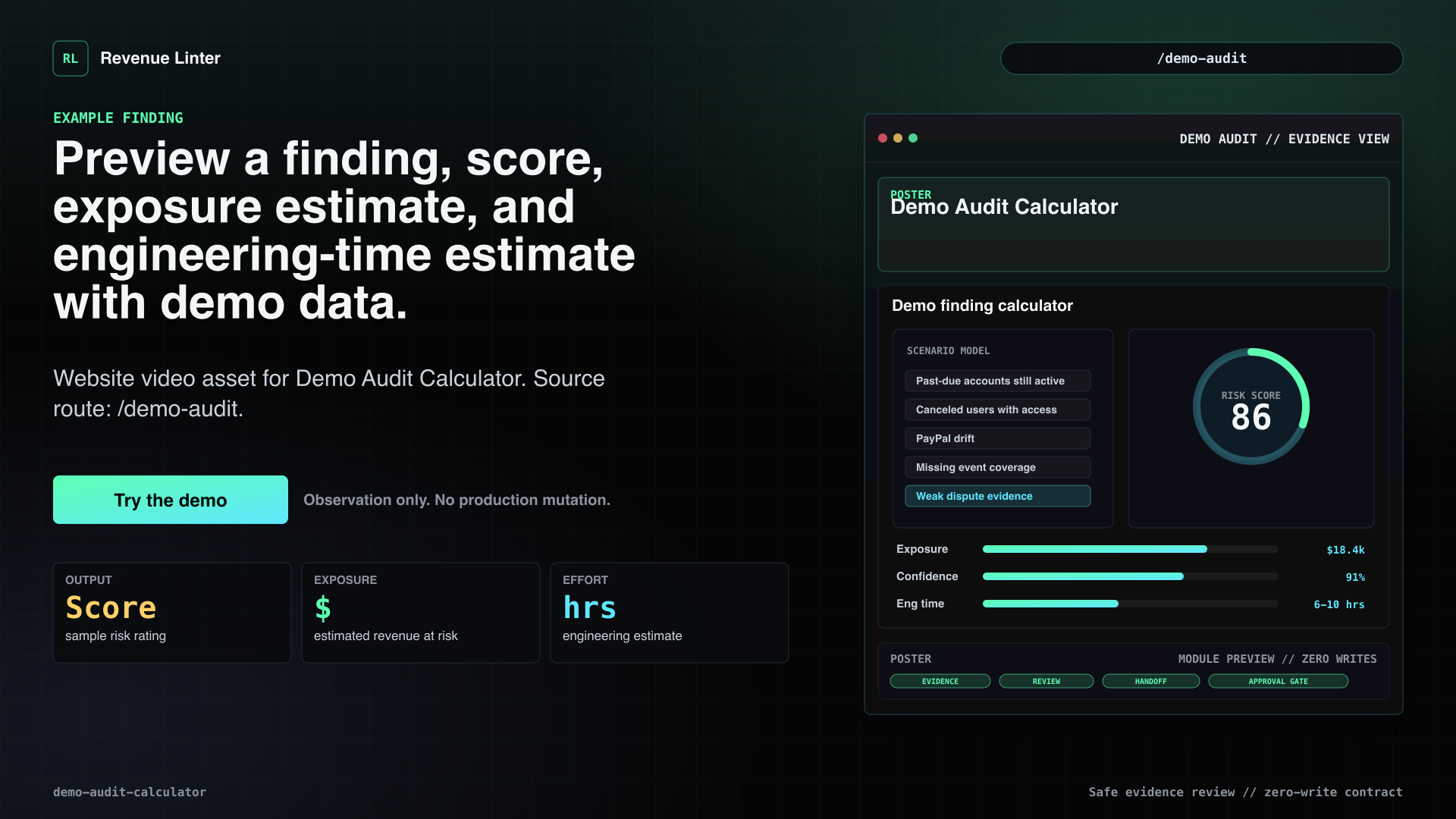
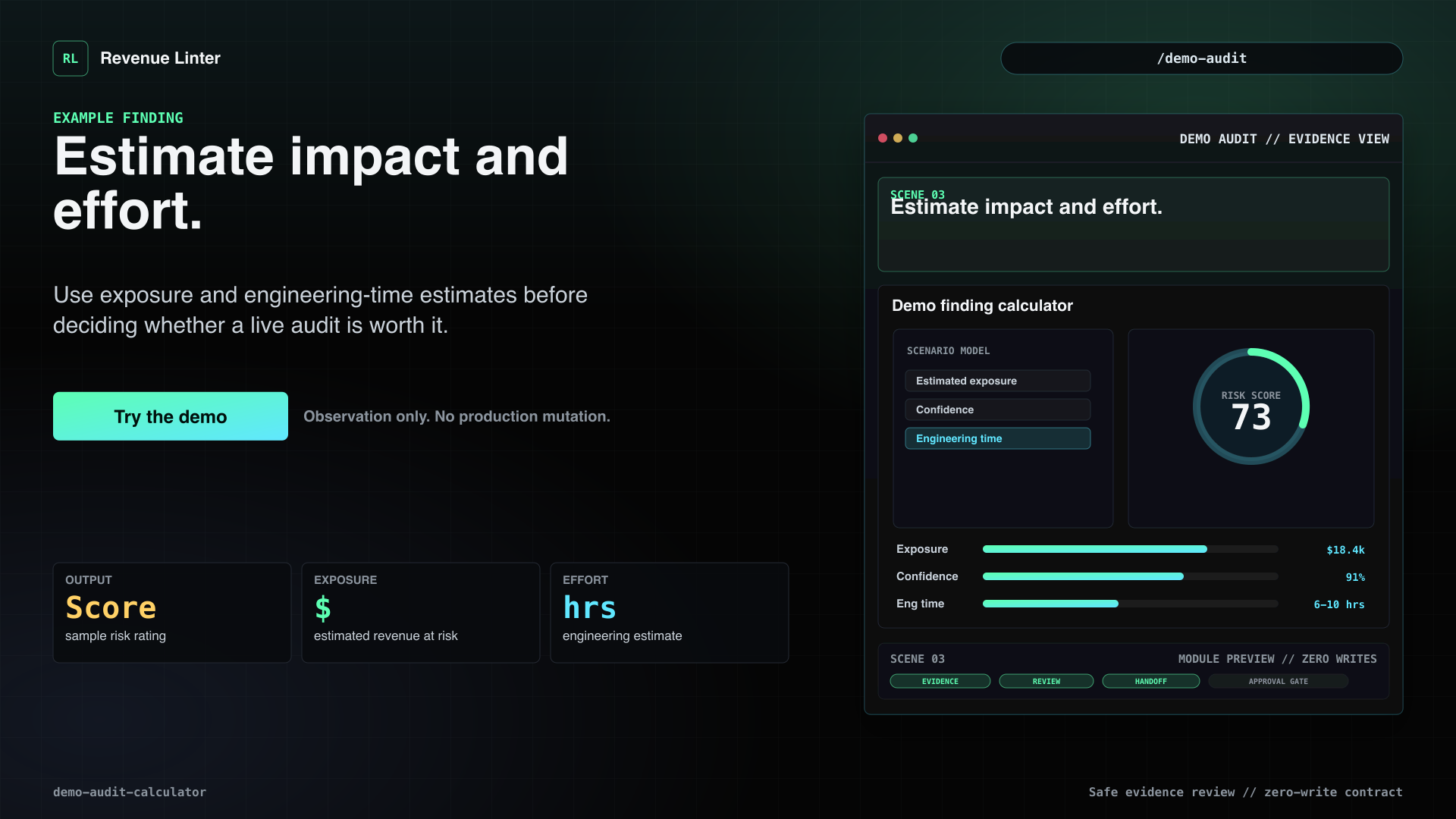
Preview a finding, score, exposure estimate, and engineering-time estimate with demo data.
Voiceover
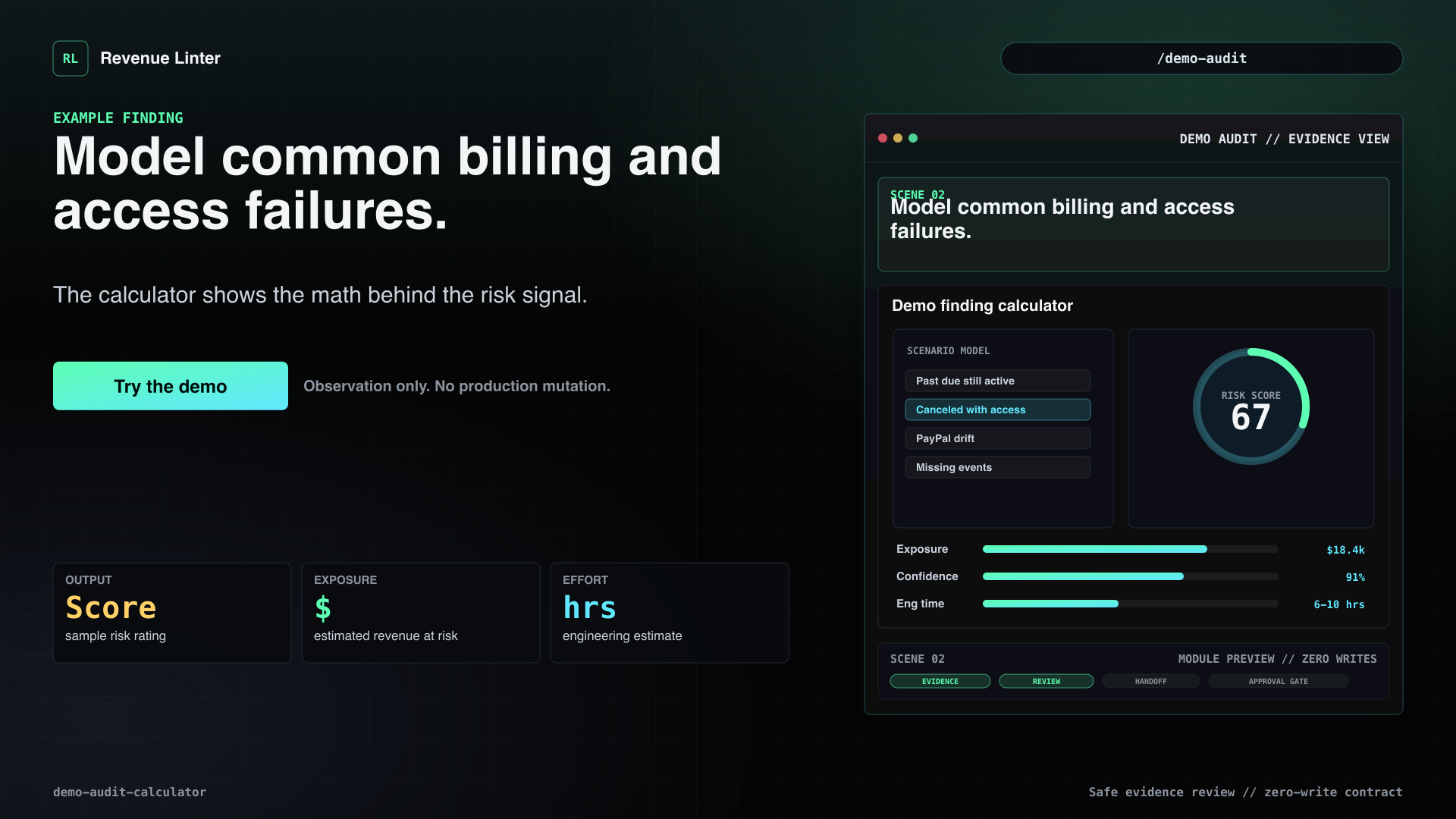
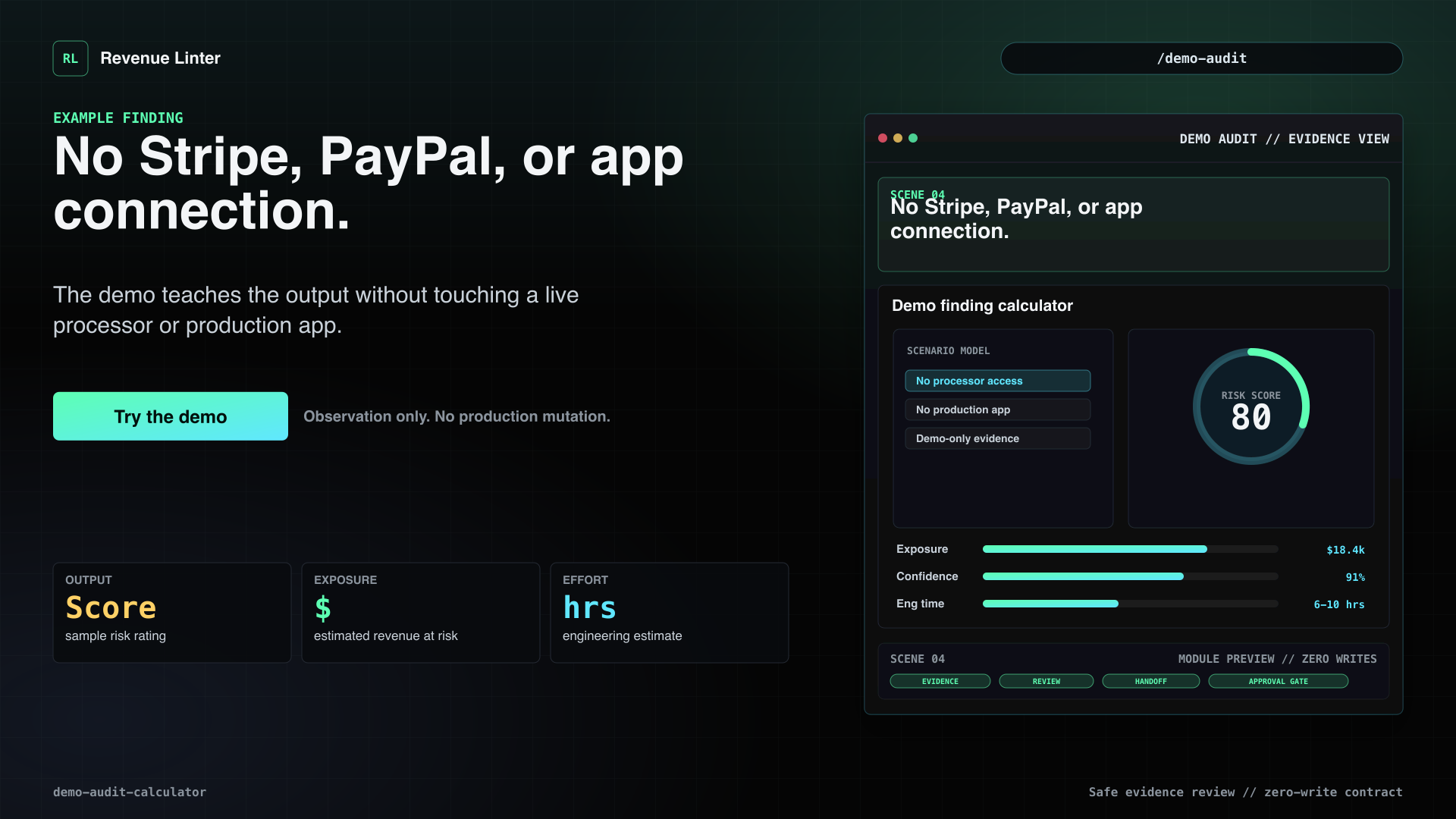
Before connecting anything, see what a Revenue Linter finding looks like. The Demo Audit Calculator lets you model common billing and access problems: past-due accounts still active, canceled users with access, PayPal drift, missing event coverage, and weak dispute evidence. It returns a sample risk score, estimated exposure, and estimated engineering time without touching Stripe, PayPal, or your app. Use the demo to understand the math before running a real check.
Visual beats
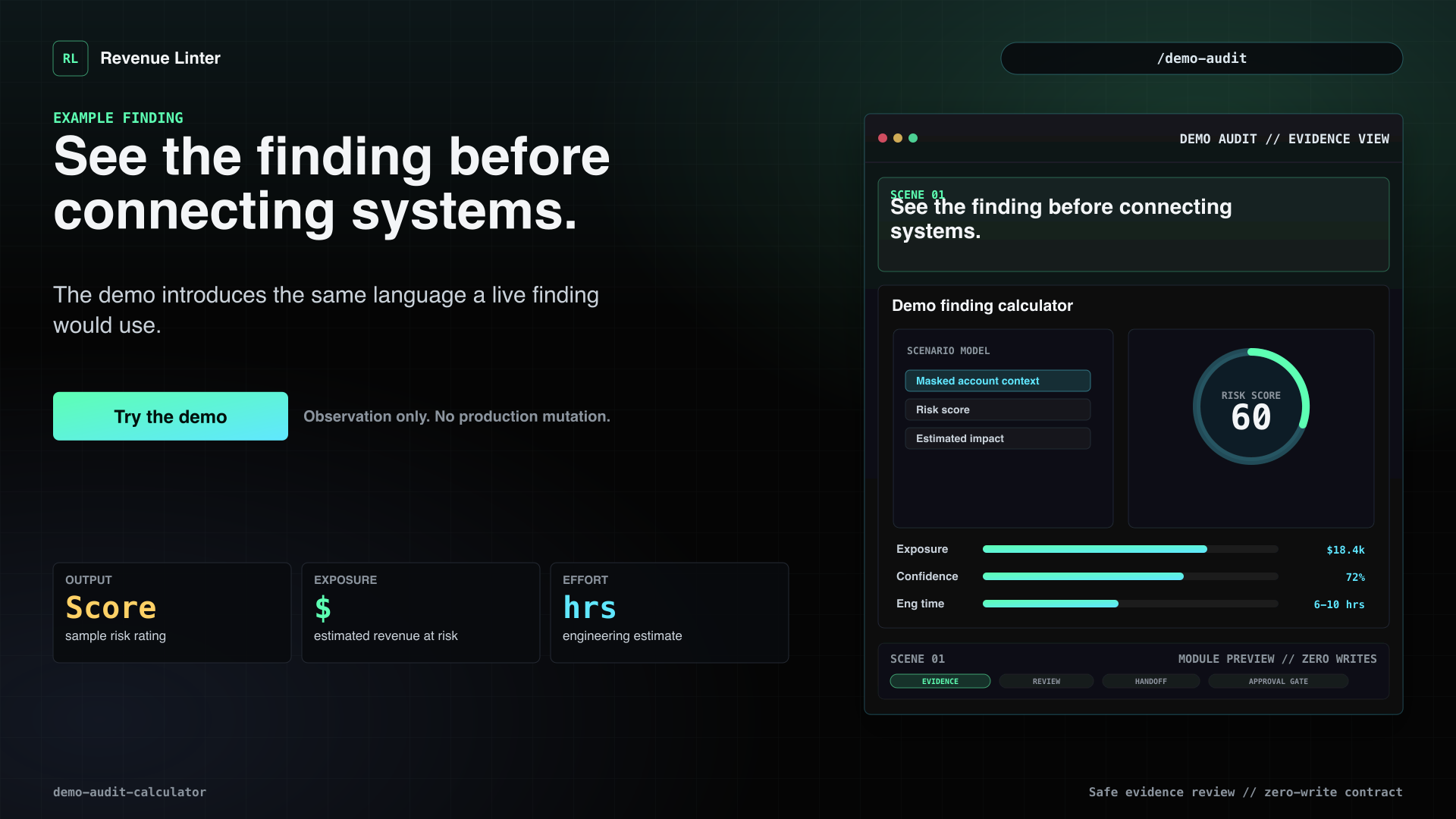
- See the finding before connecting systems.The demo introduces the same language a live finding would use.
- Model common billing and access failures.The calculator shows the math behind the risk signal.
- Estimate impact and effort.Use exposure and engineering-time estimates before deciding whether a live audit is worth it.
- No Stripe, PayPal, or app connection.The demo teaches the output without touching a live processor or production app.
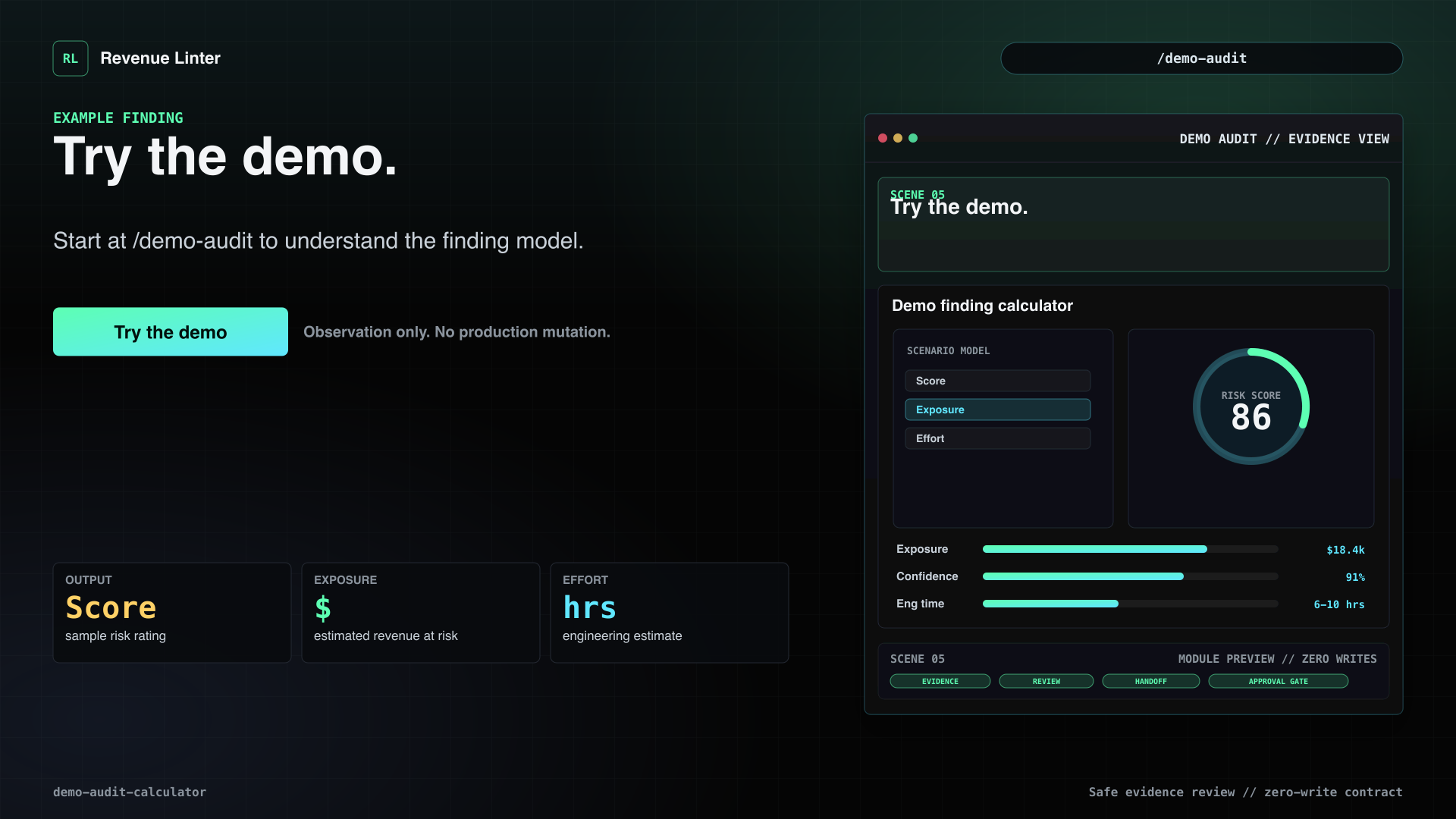
- Try the demo.Start at /demo-audit to understand the finding model.
Stripe audit setup
Stripe Audit Onboarding
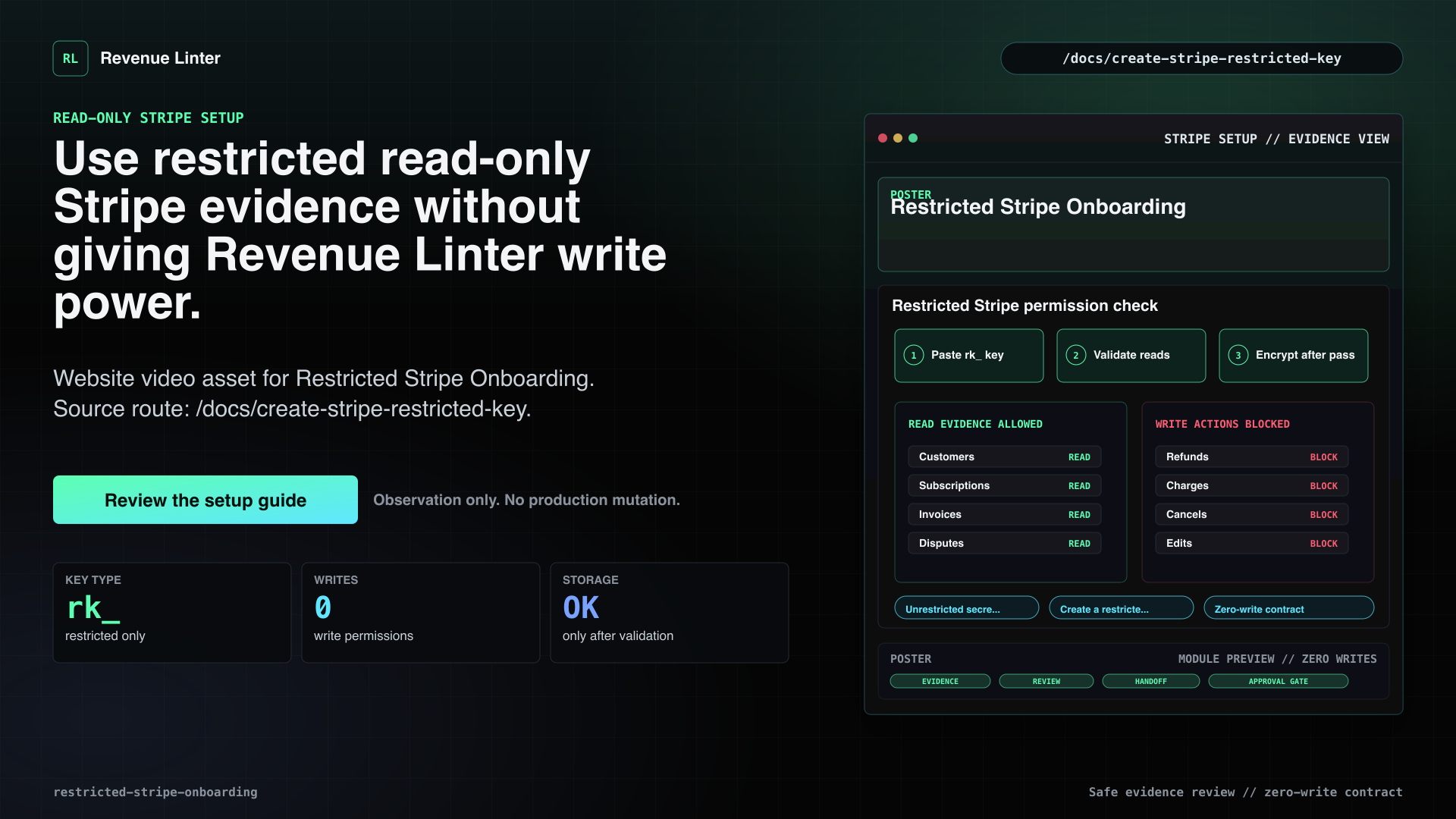
Use Stripe audit billing evidence without giving Revenue Linter write power.
Voiceover
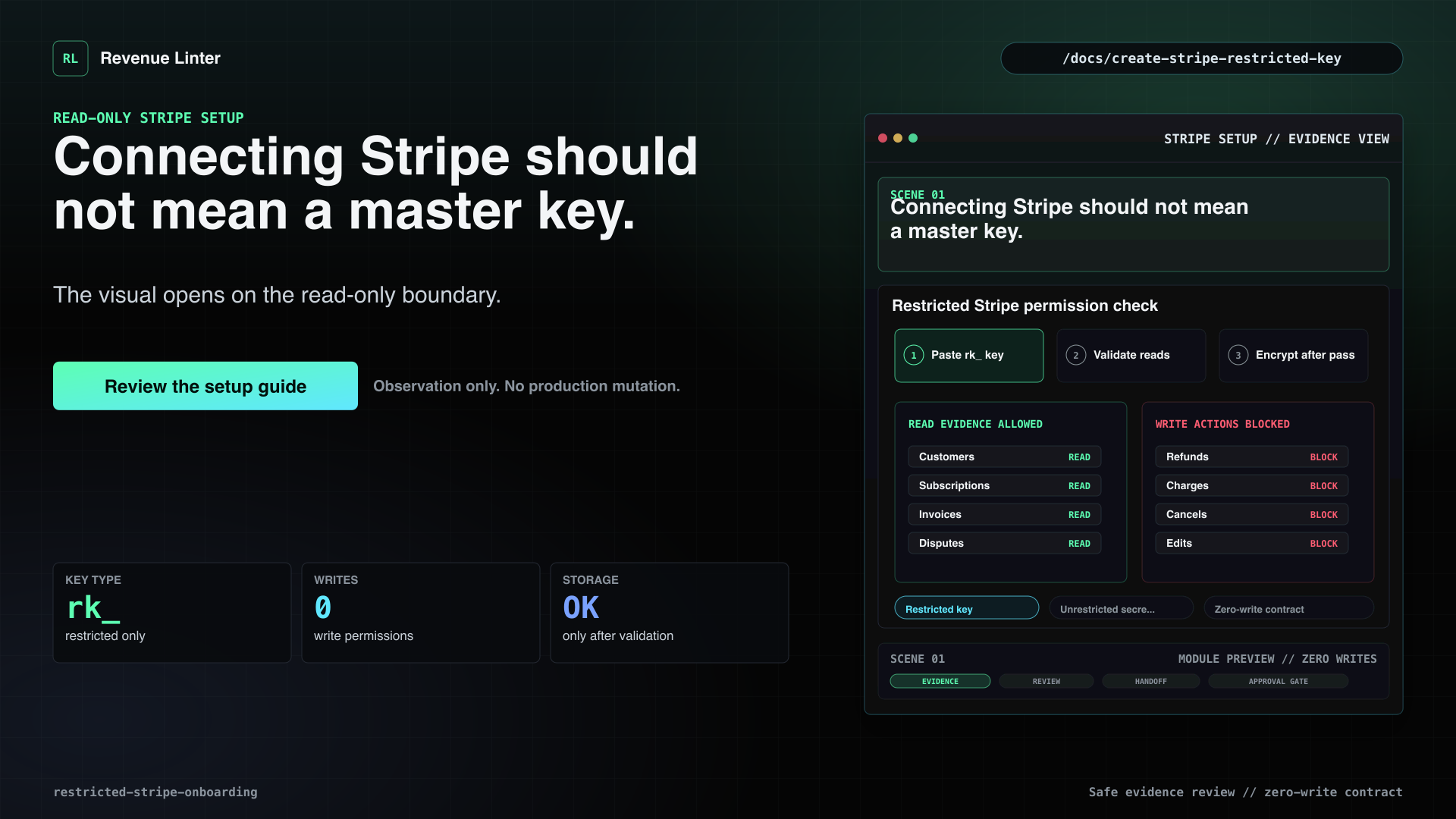
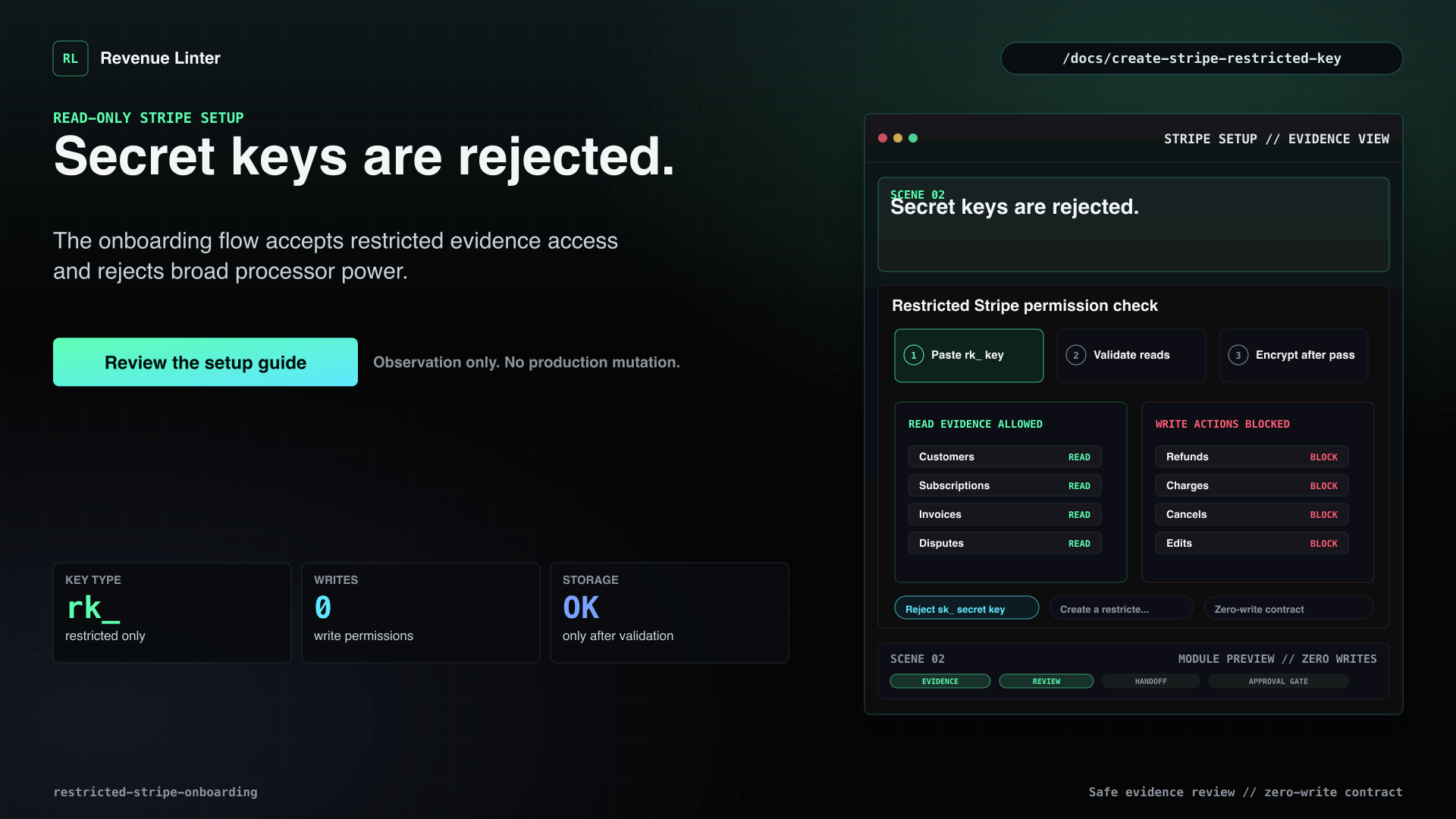
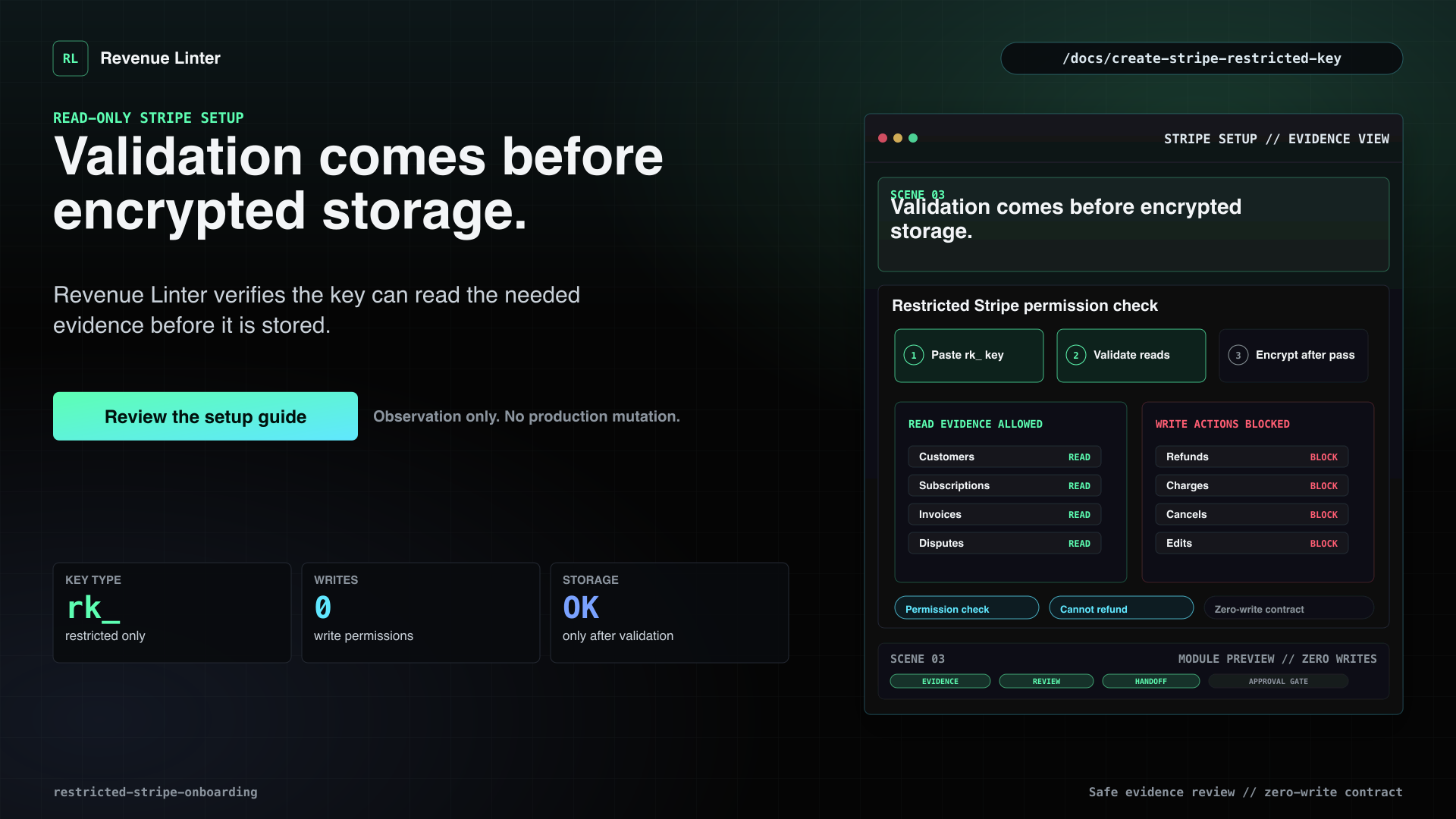
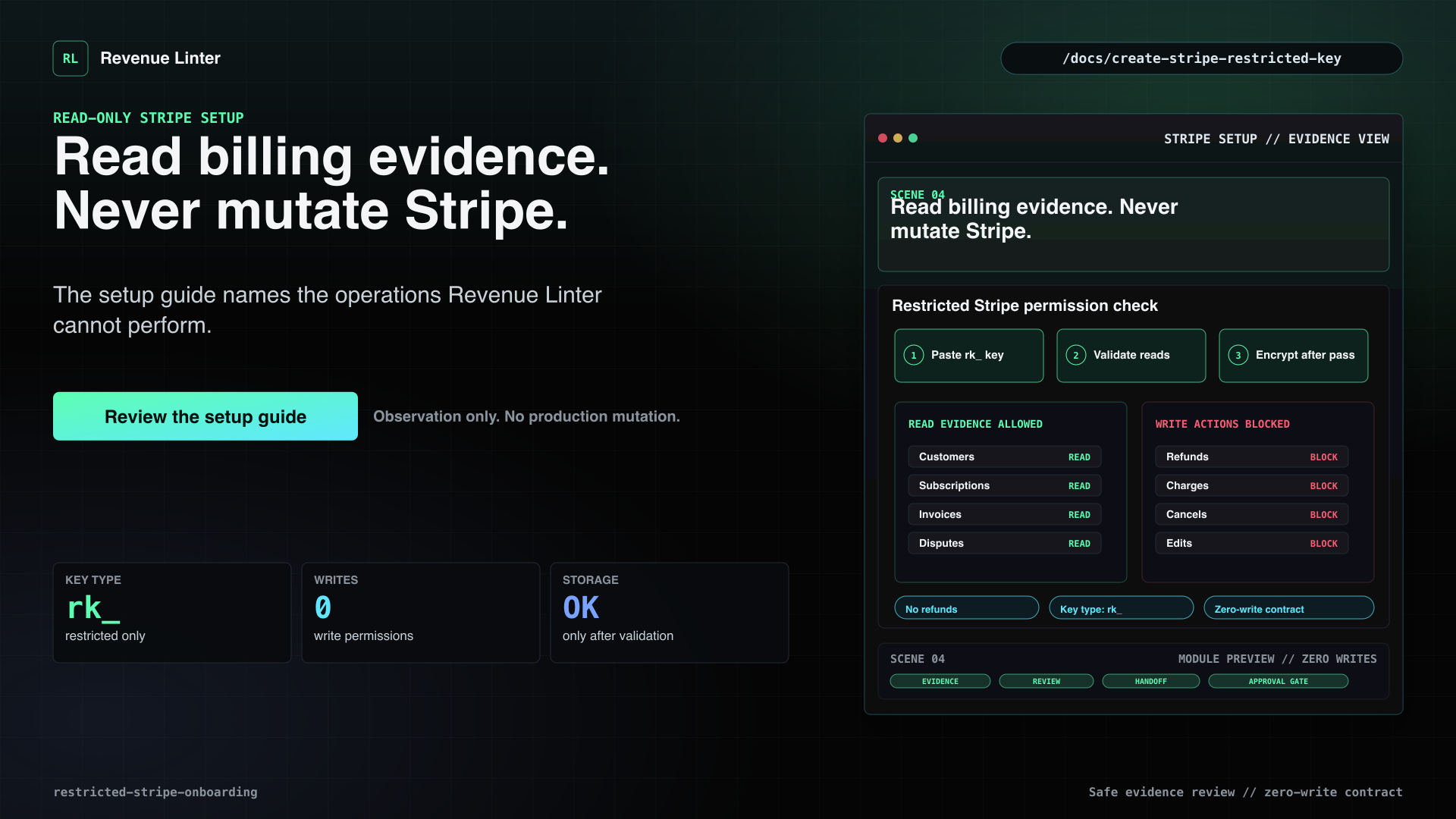
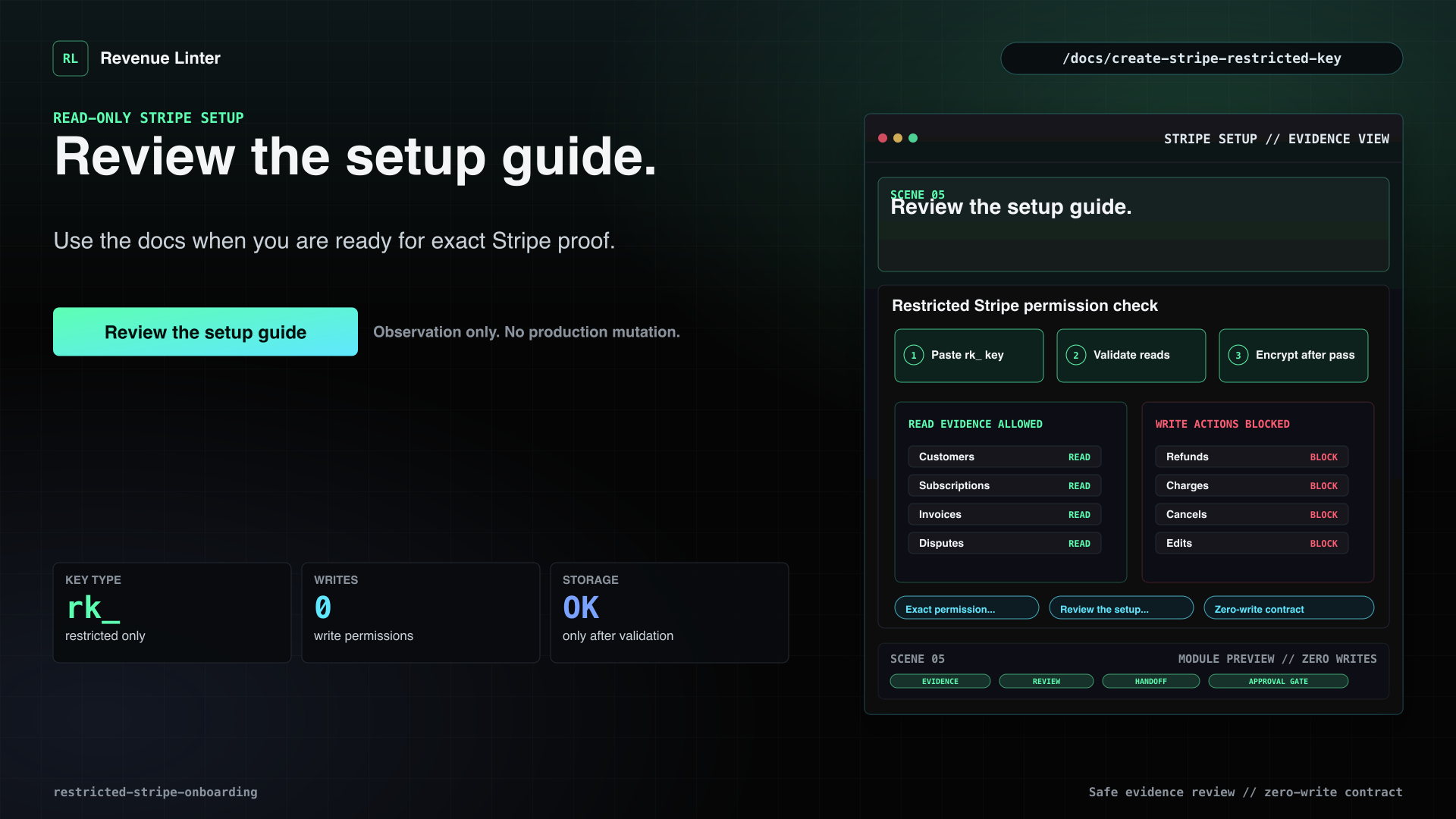
Connecting Stripe should not mean handing over a master key. Revenue Linter uses the Stripe audit bridge for billing-side evidence, and restricted keys stay under Advanced fallback setup. Unrestricted secret keys are rejected. Stripe changes are disabled in Revenue Linter. Revenue Linter can review permitted billing evidence, but it cannot refund, cancel, charge, or edit subscriptions. Use the setup guide when you are ready for exact Stripe proof.
Visual beats
- Connecting Stripe should not mean a master key.The visual opens on the read-only boundary.
- Secret keys are rejected.The onboarding flow accepts restricted evidence access and rejects broad processor power.
- Validation comes before encrypted storage.Revenue Linter verifies the key can read the needed evidence before it is stored.
- Read billing evidence. Never mutate Stripe.The setup guide names the operations Revenue Linter cannot perform.
- Review the setup guide.Use the docs when you are ready for exact Stripe proof.
Evidence tiers
Pricing / Evidence Ladder
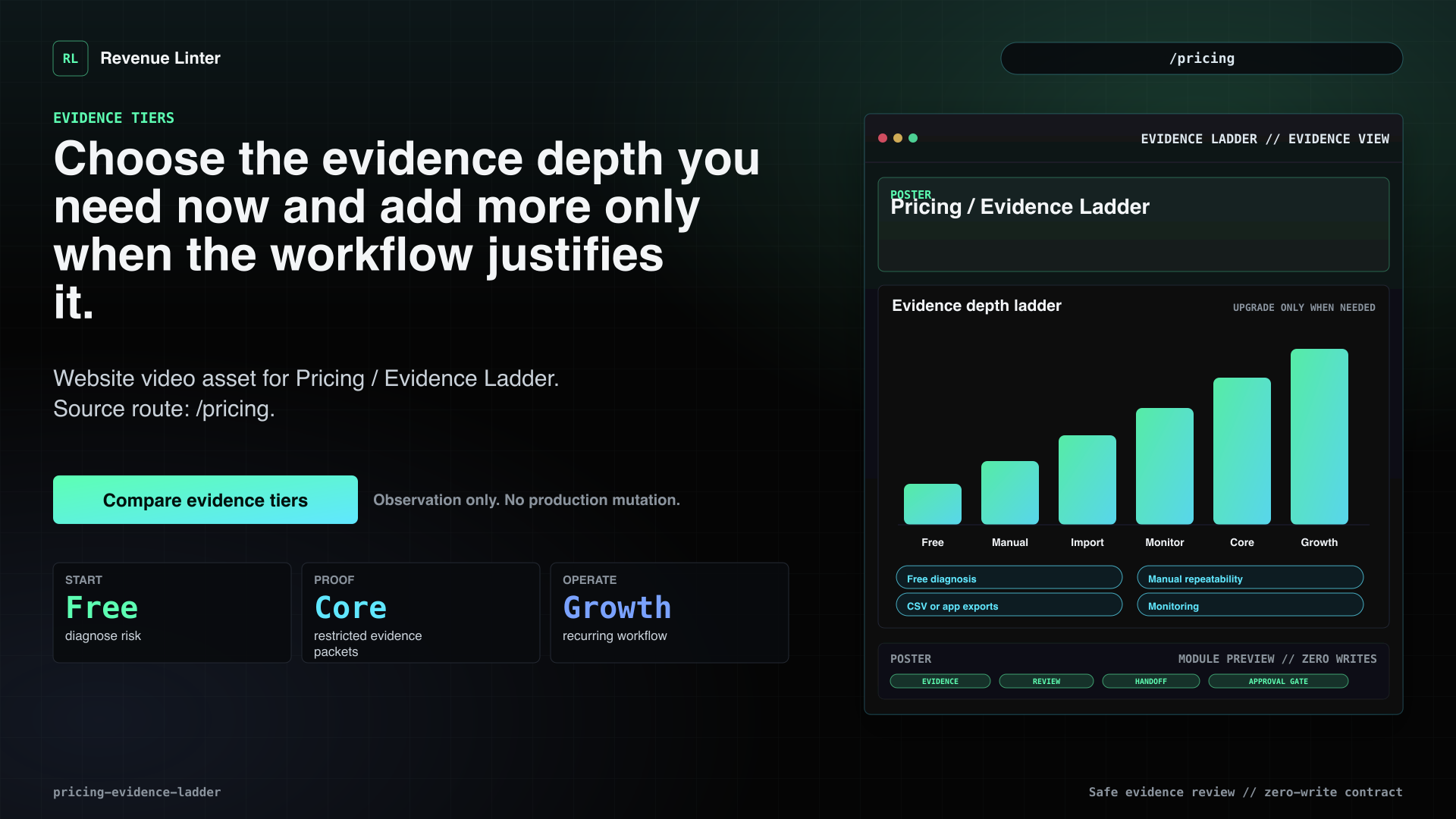
Choose the evidence depth you need now and add more only when the workflow justifies it.
Voiceover
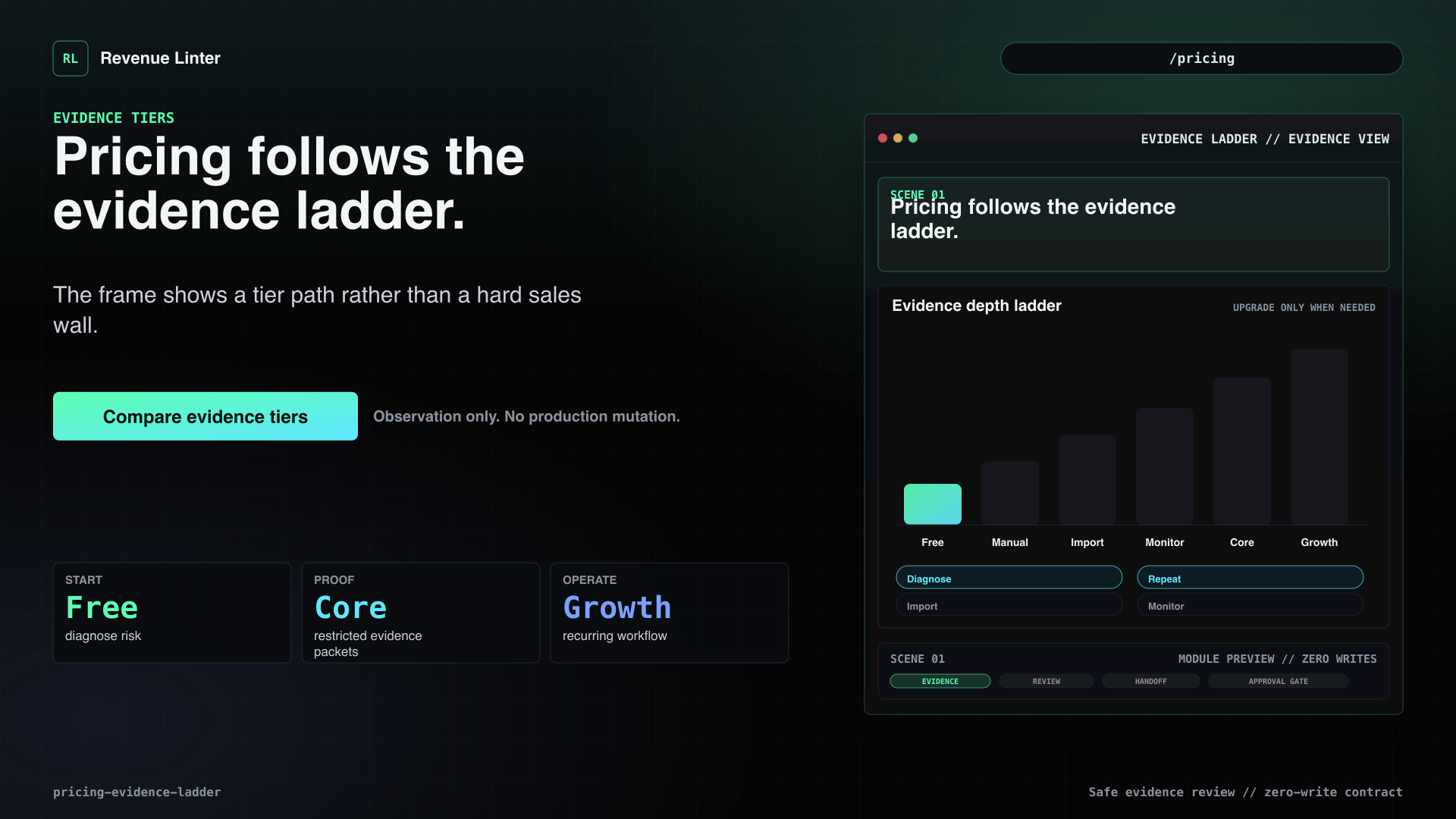
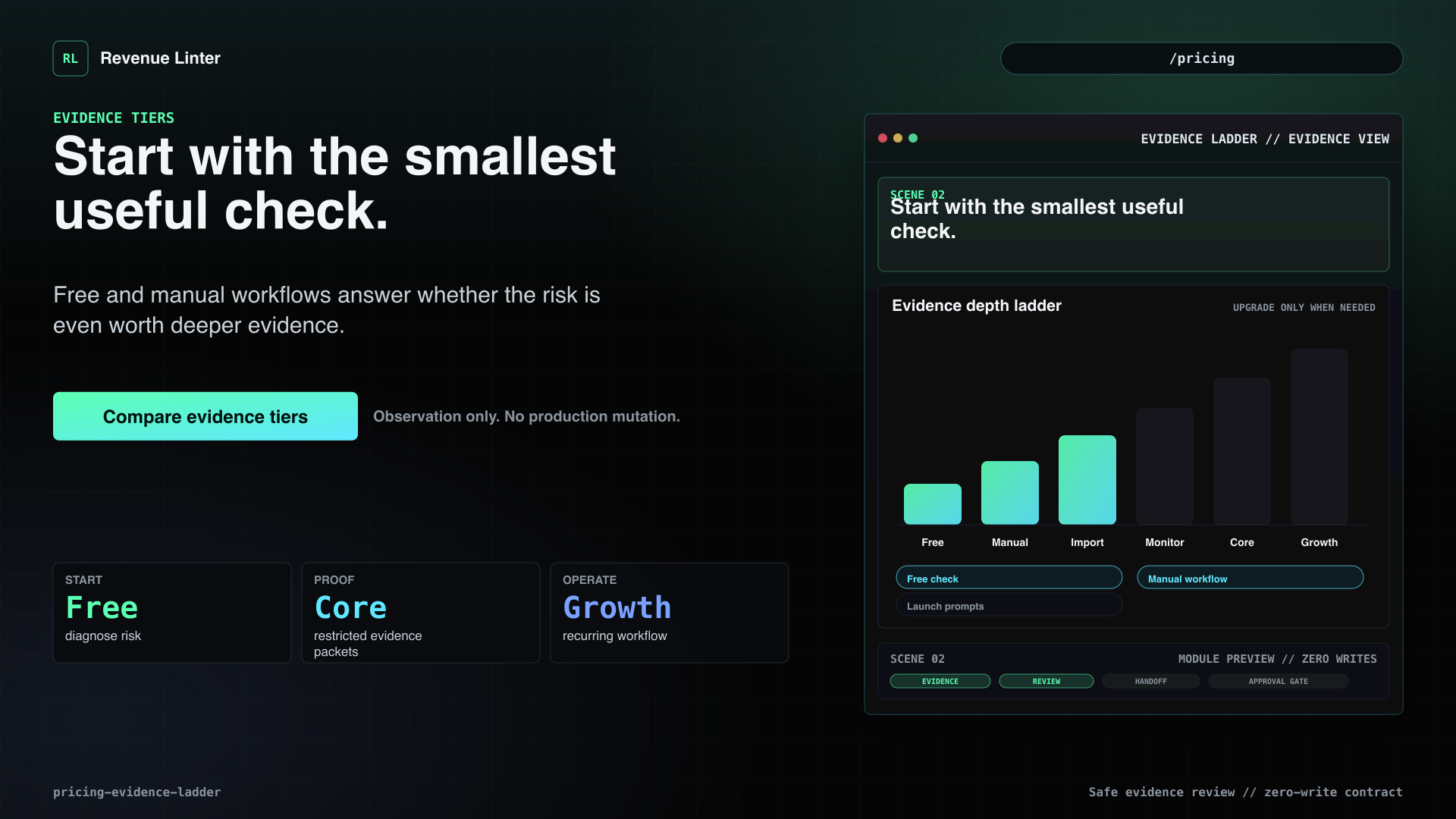
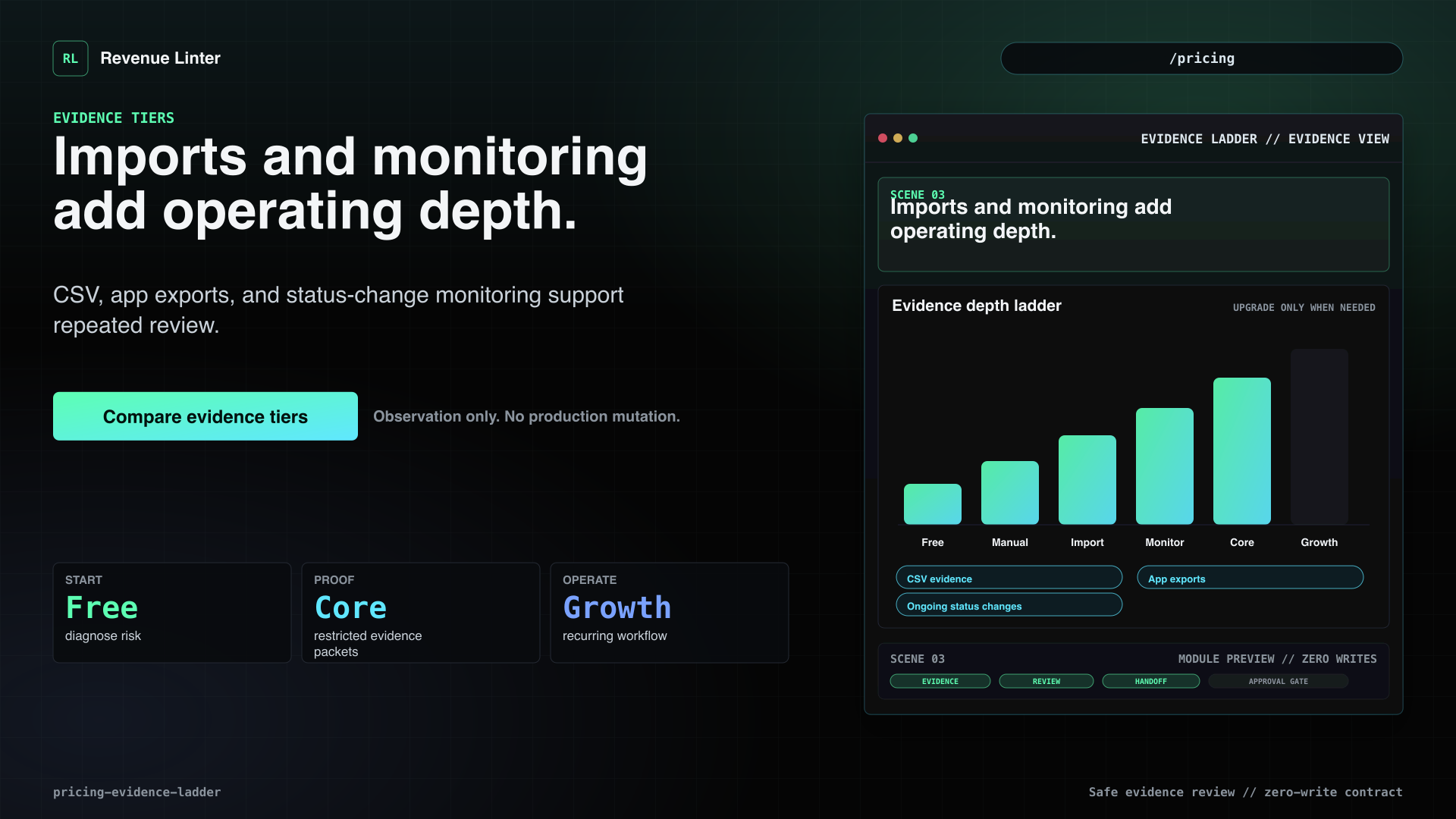
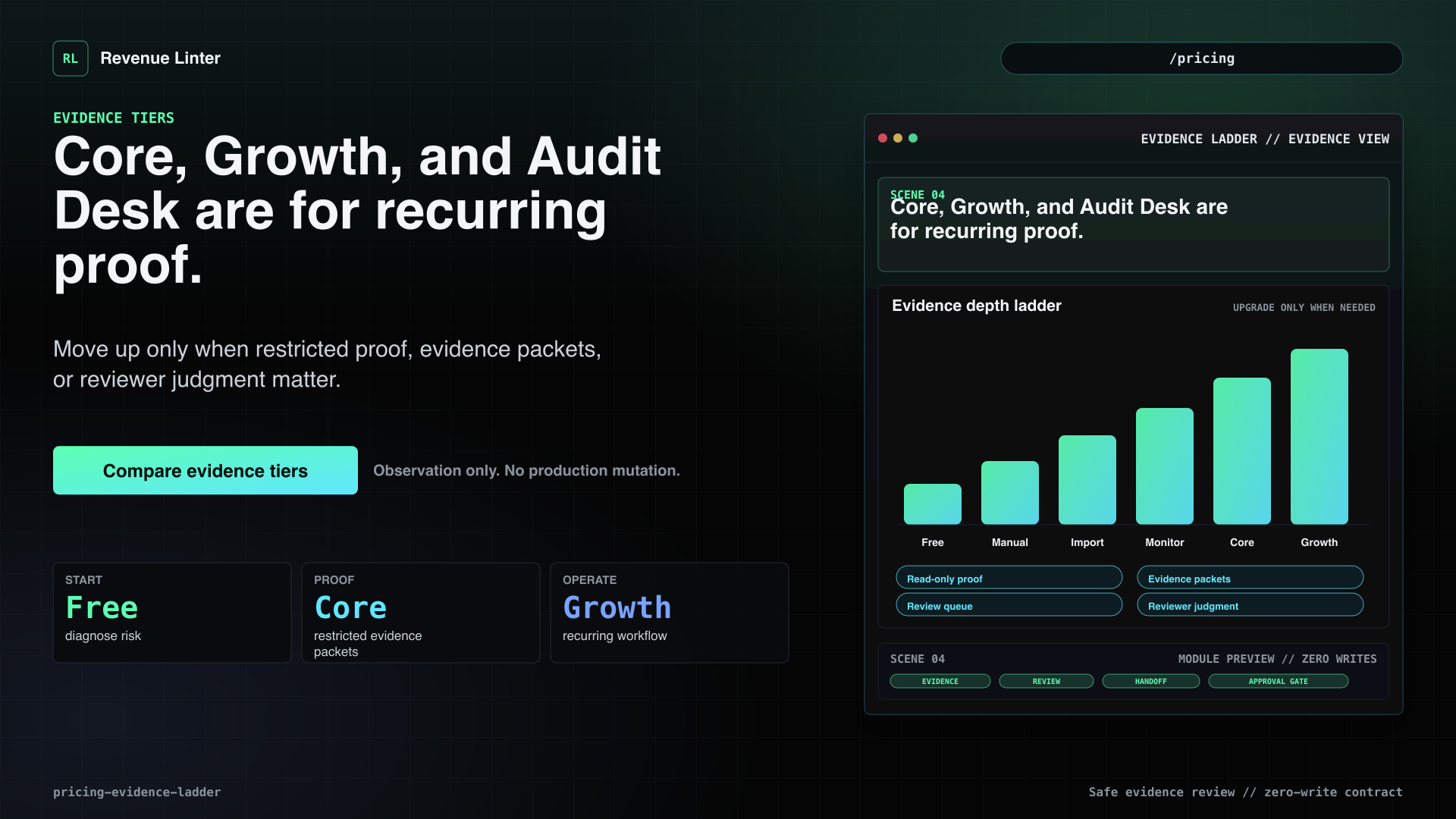
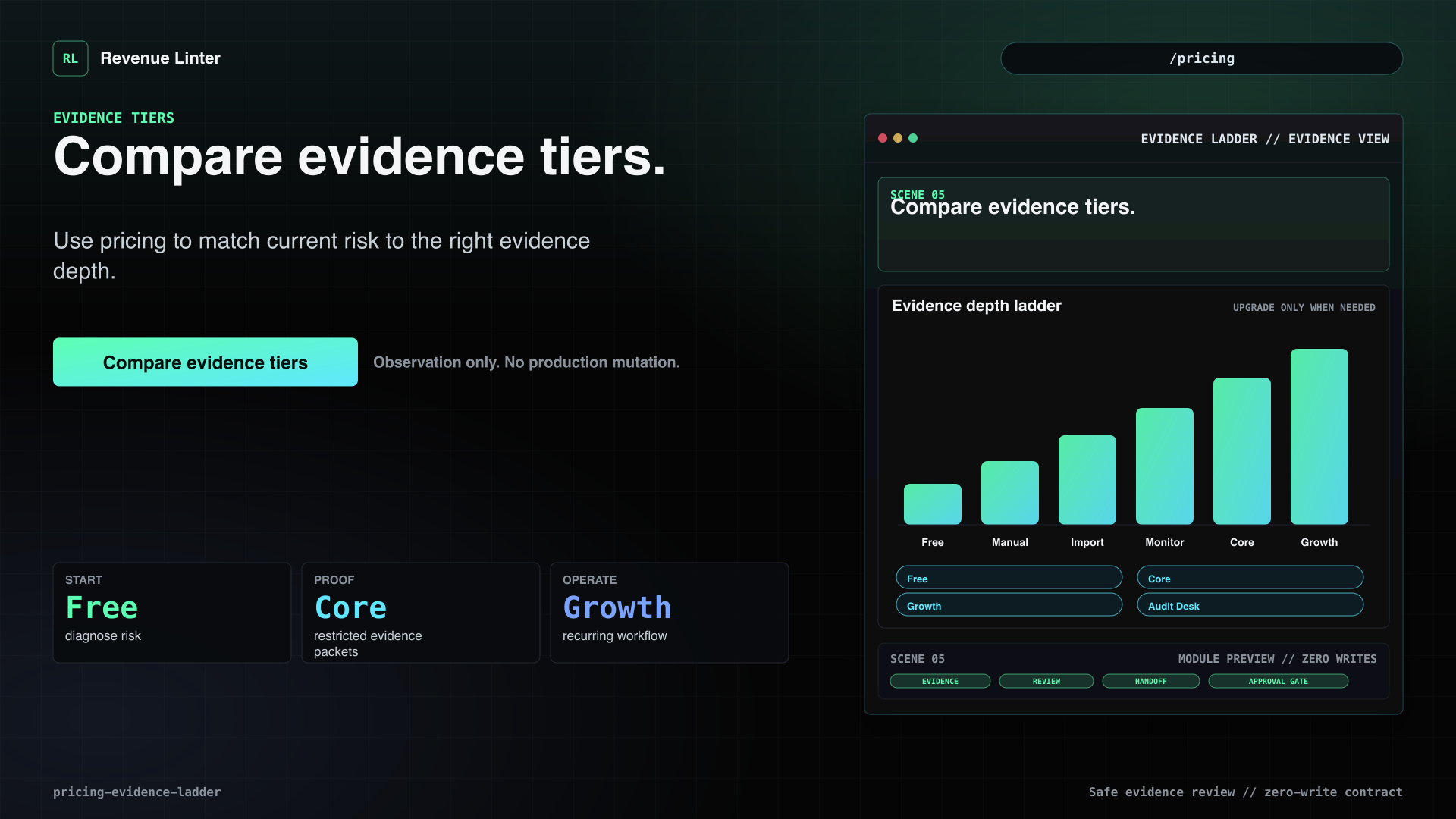
Revenue Linter pricing is an evidence ladder, not a pressure wall. Start free to diagnose the risk. Save a manual workflow when you need repeatability. Import evidence when CSV or app exports are enough. Add monitoring when billing and access changes need ongoing review. Use Core when Stripe audit evidence and evidence packets matter. Move to Growth or Audit Desk only when this becomes a recurring operating workflow.
Visual beats
- Pricing follows the evidence ladder.The frame shows a tier path rather than a hard sales wall.
- Start with the smallest useful check.Free and manual workflows answer whether the risk is even worth deeper evidence.
- Imports and monitoring add operating depth.CSV, app exports, and status-change monitoring support repeated review.
- Core, Growth, and Audit Desk are for recurring proof.Move up only when restricted proof, evidence packets, or reviewer judgment matter.
- Compare evidence tiers.Use pricing to match current risk to the right evidence depth.
Local-first resources
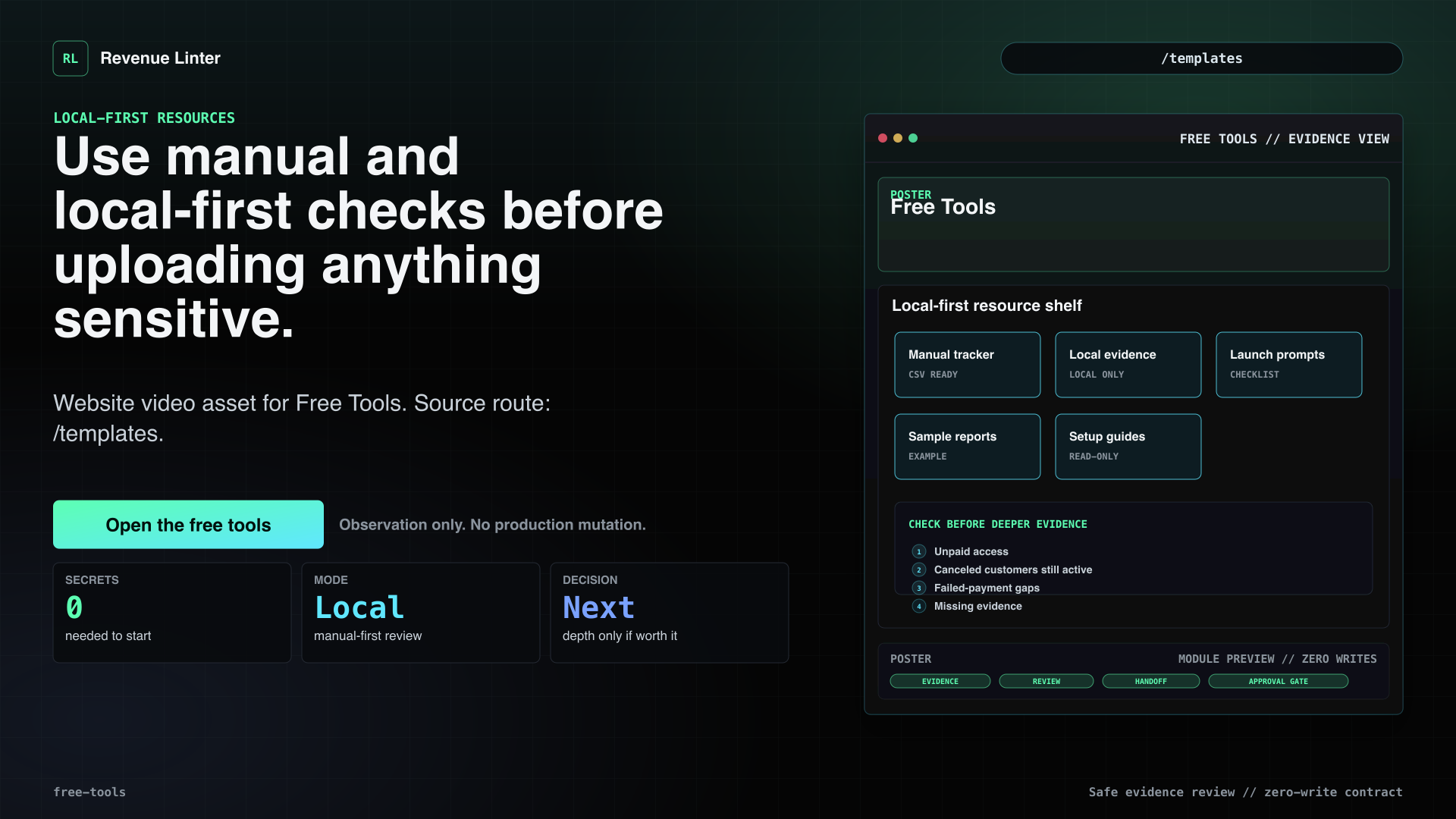
Free Tools
Use manual and local-first checks before uploading anything sensitive.
Voiceover
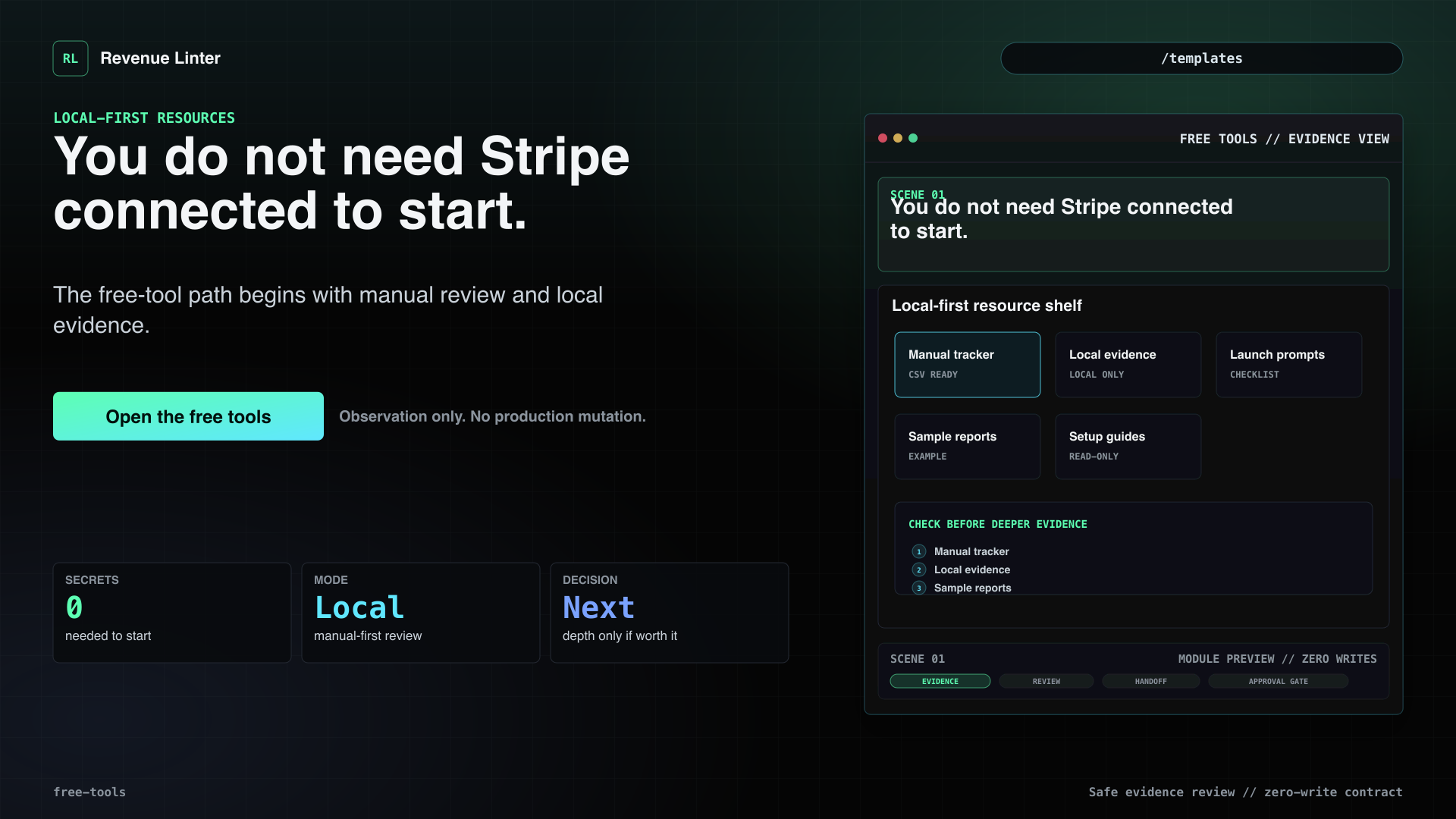
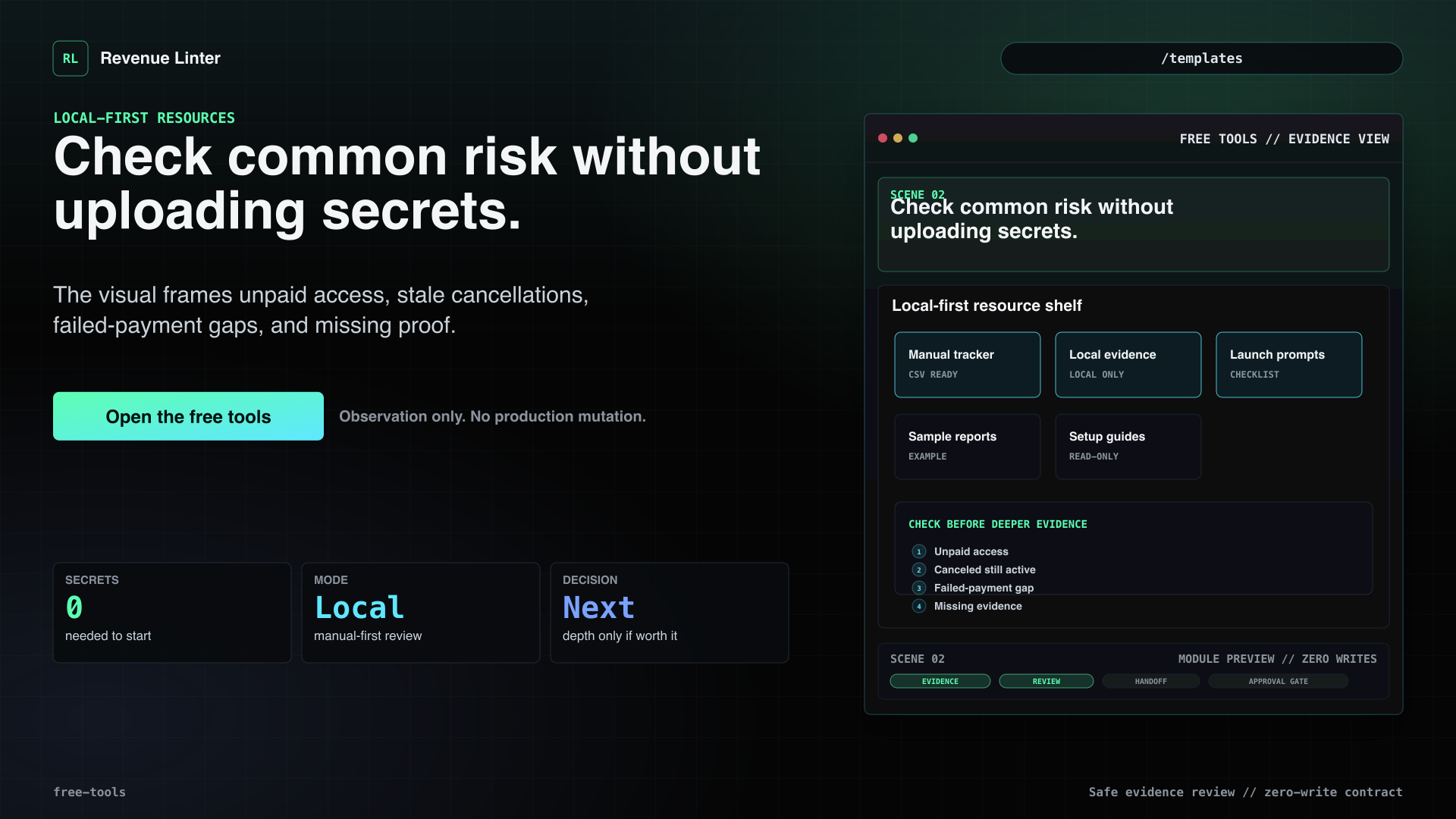
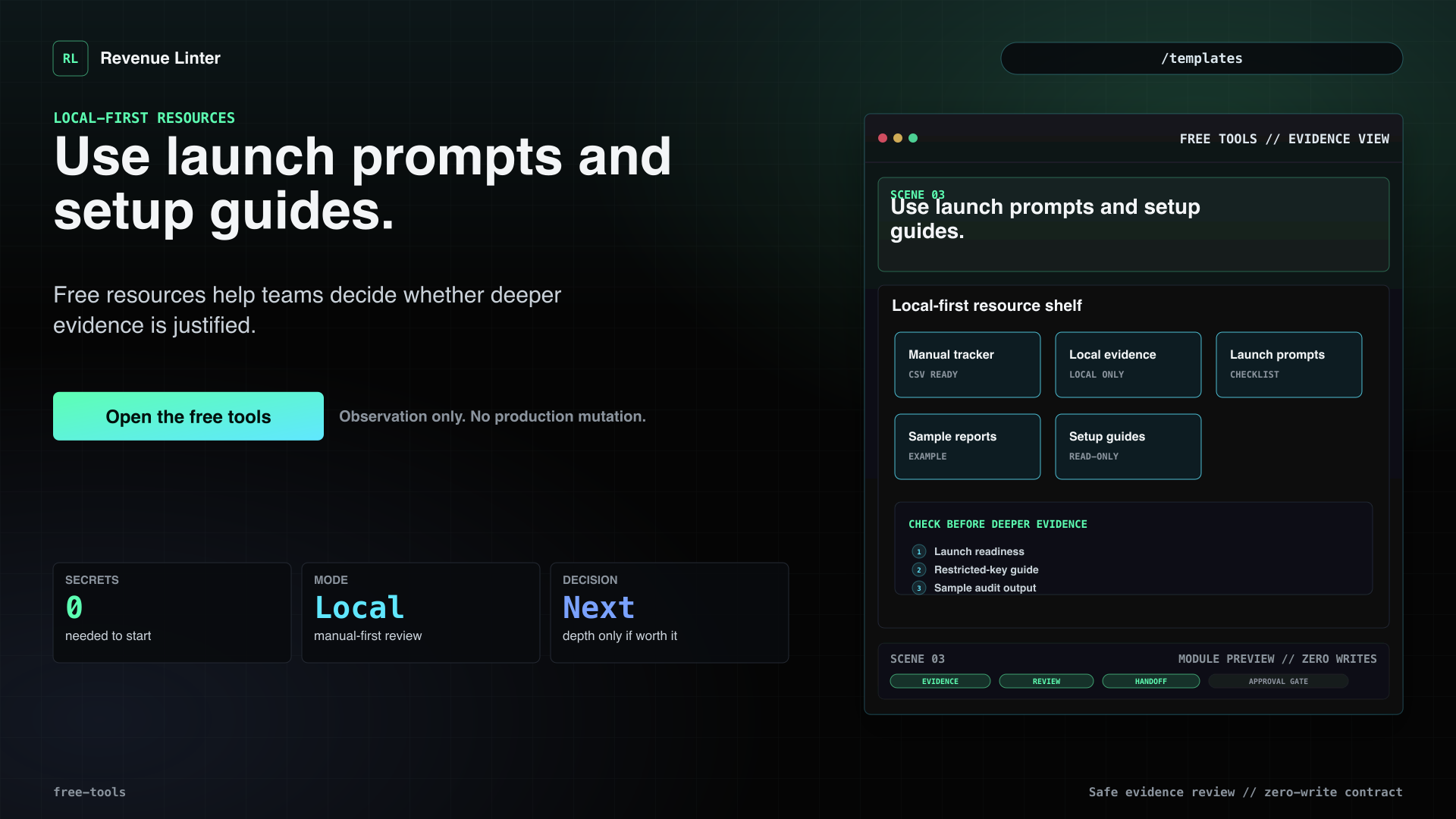
You do not need to connect Stripe to start. Revenue Linter's free tools help you check billing and access risk manually and safely: manual drift tracking, local evidence checks, launch-readiness prompts, sample reports, and restricted-key setup guides. Use them to look for unpaid access, canceled customers still active, failed-payment gaps, and missing evidence without uploading secrets. Start with the safest check, then decide if deeper evidence is worth it.
Visual beats
- You do not need Stripe connected to start.The free-tool path begins with manual review and local evidence.
- Check common risk without uploading secrets.The visual frames unpaid access, stale cancellations, failed-payment gaps, and missing proof.
- Use launch prompts and setup guides.Free resources help teams decide whether deeper evidence is justified.
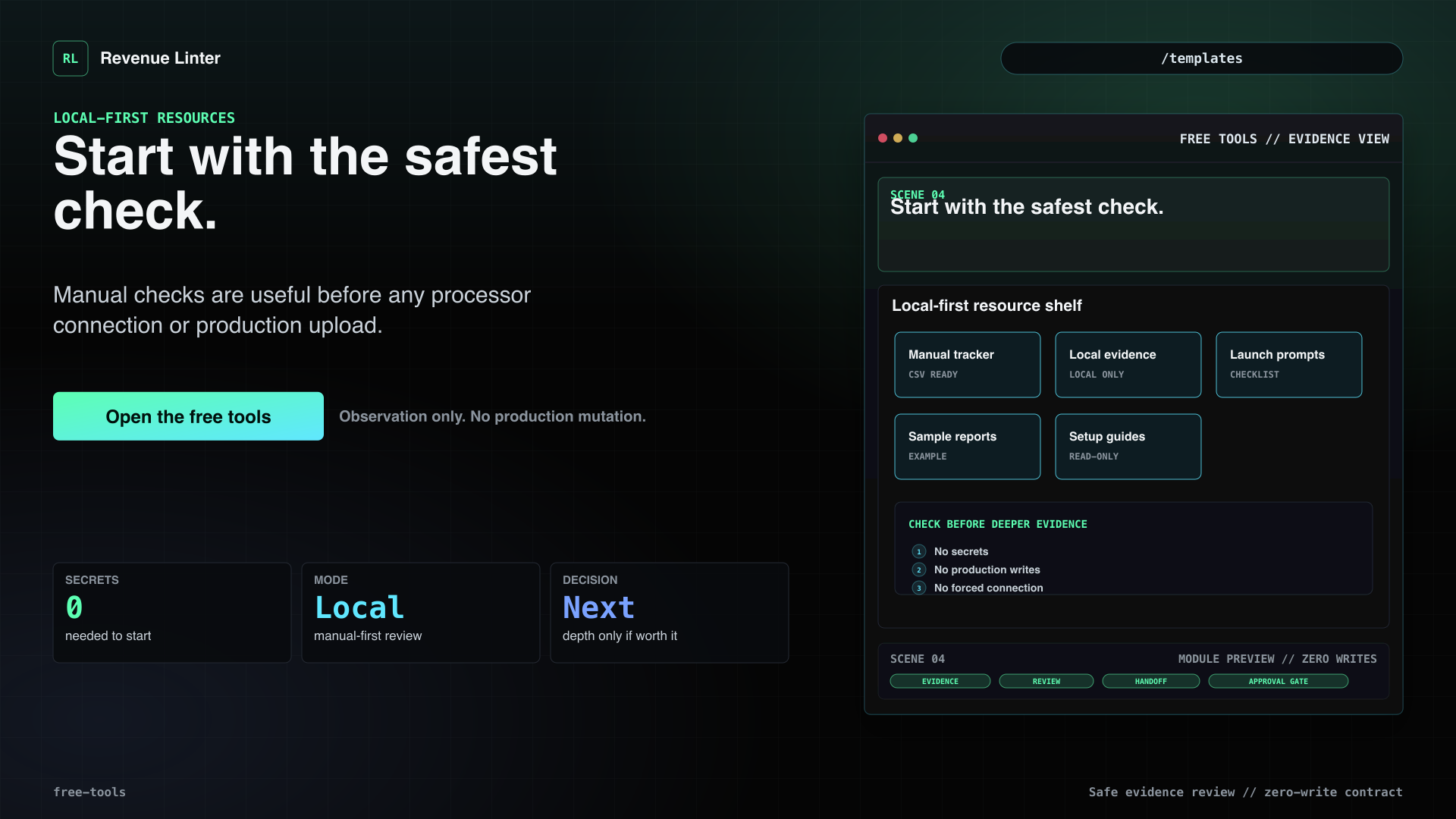
- Start with the safest check.Manual checks are useful before any processor connection or production upload.
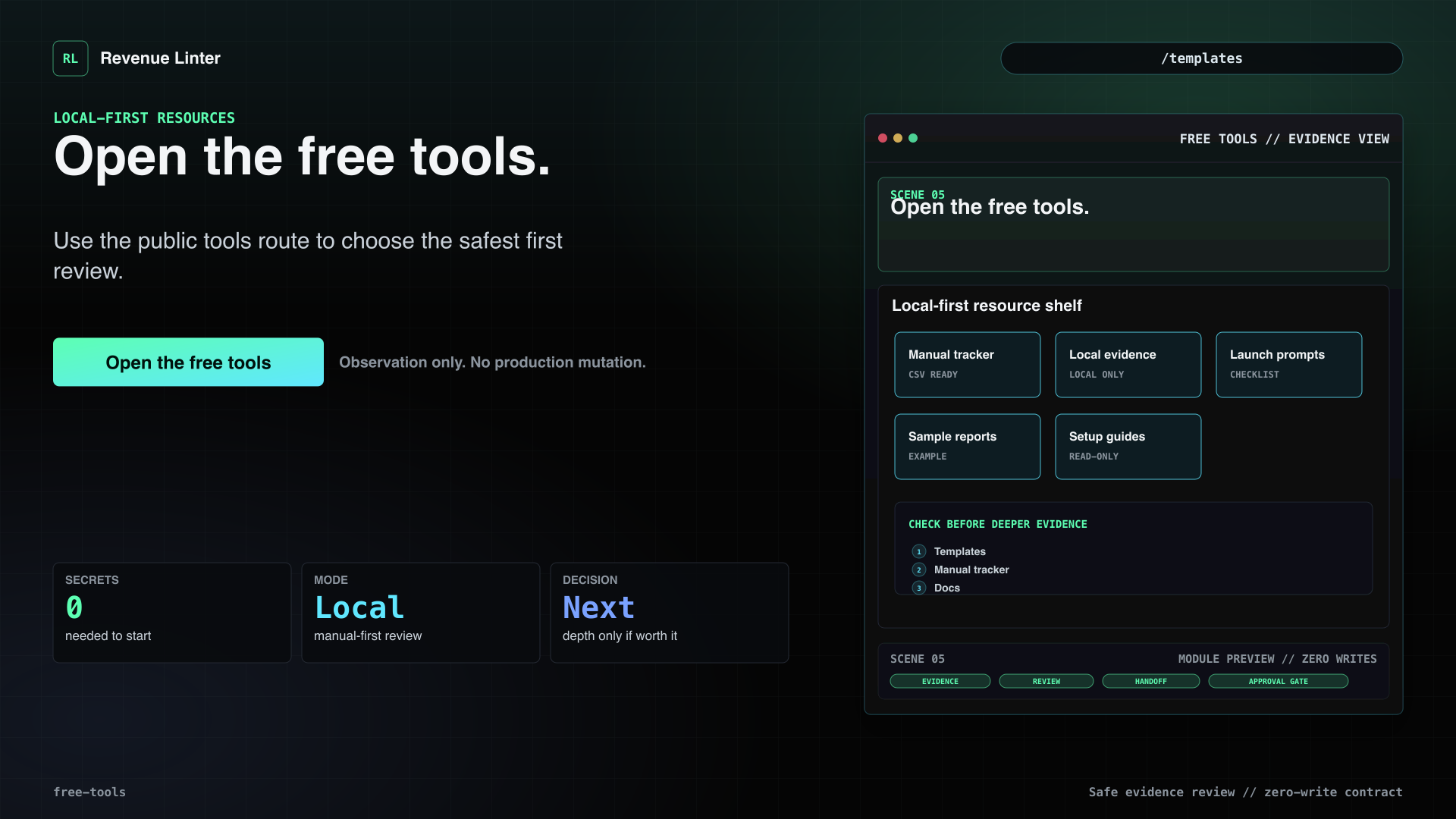
- Open the free tools.Use the public tools route to choose the safest first review.
Review-ready proof
Core Evidence / Evidence Packets
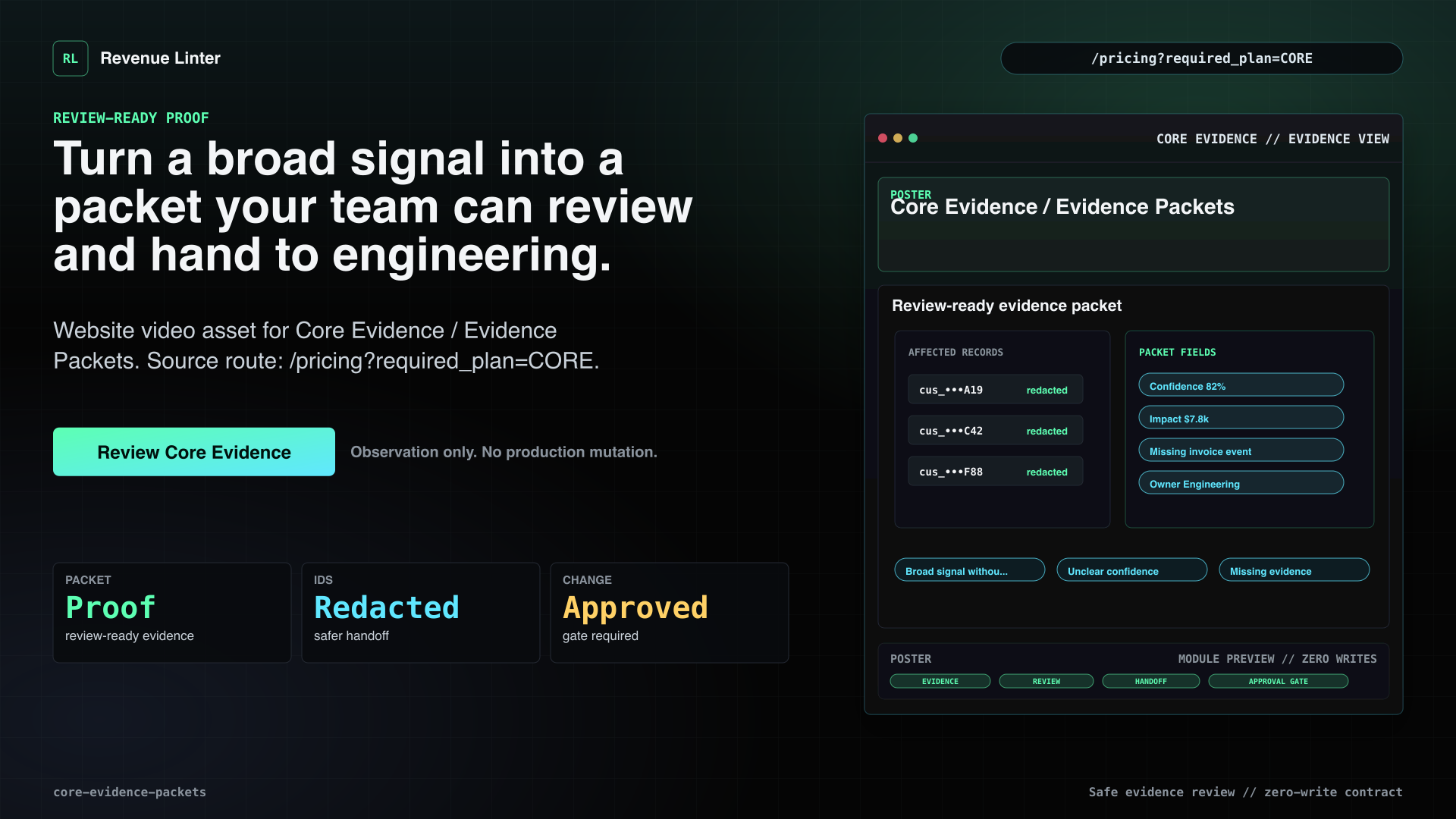
Turn a broad signal into a packet your team can review and hand to engineering.
Voiceover
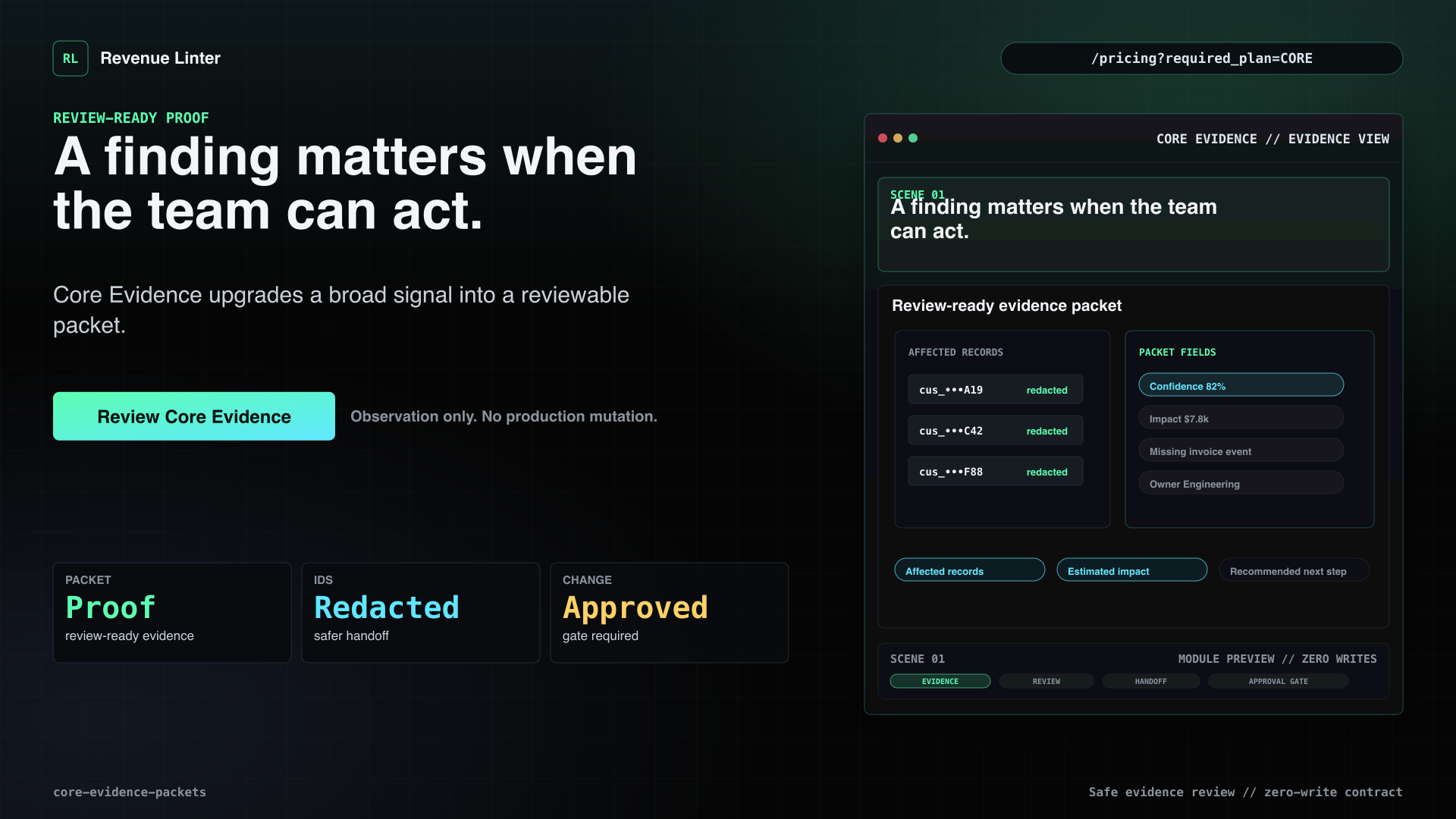
A finding only matters if your team can act on it. Core Evidence turns a broad risk signal into review-ready proof: affected records, redacted identifiers, confidence, estimated impact, missing evidence, recommended next step, and an engineer handoff. It is still advisory. Revenue Linter packages the evidence. Your team reviews the records and approves any production change.
Visual beats
- A finding matters when the team can act.Core Evidence upgrades a broad signal into a reviewable packet.
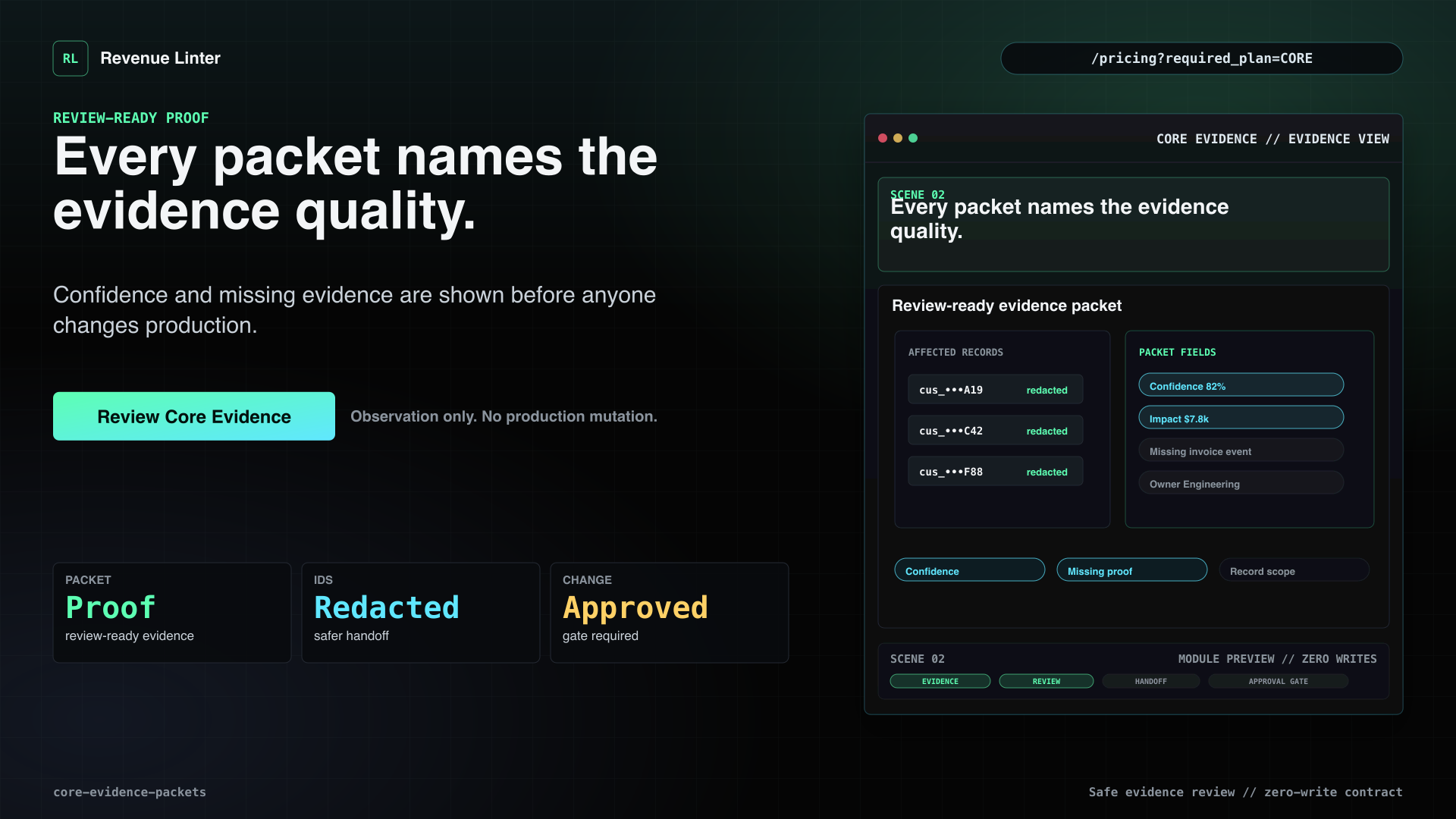
- Every packet names the evidence quality.Confidence and missing evidence are shown before anyone changes production.
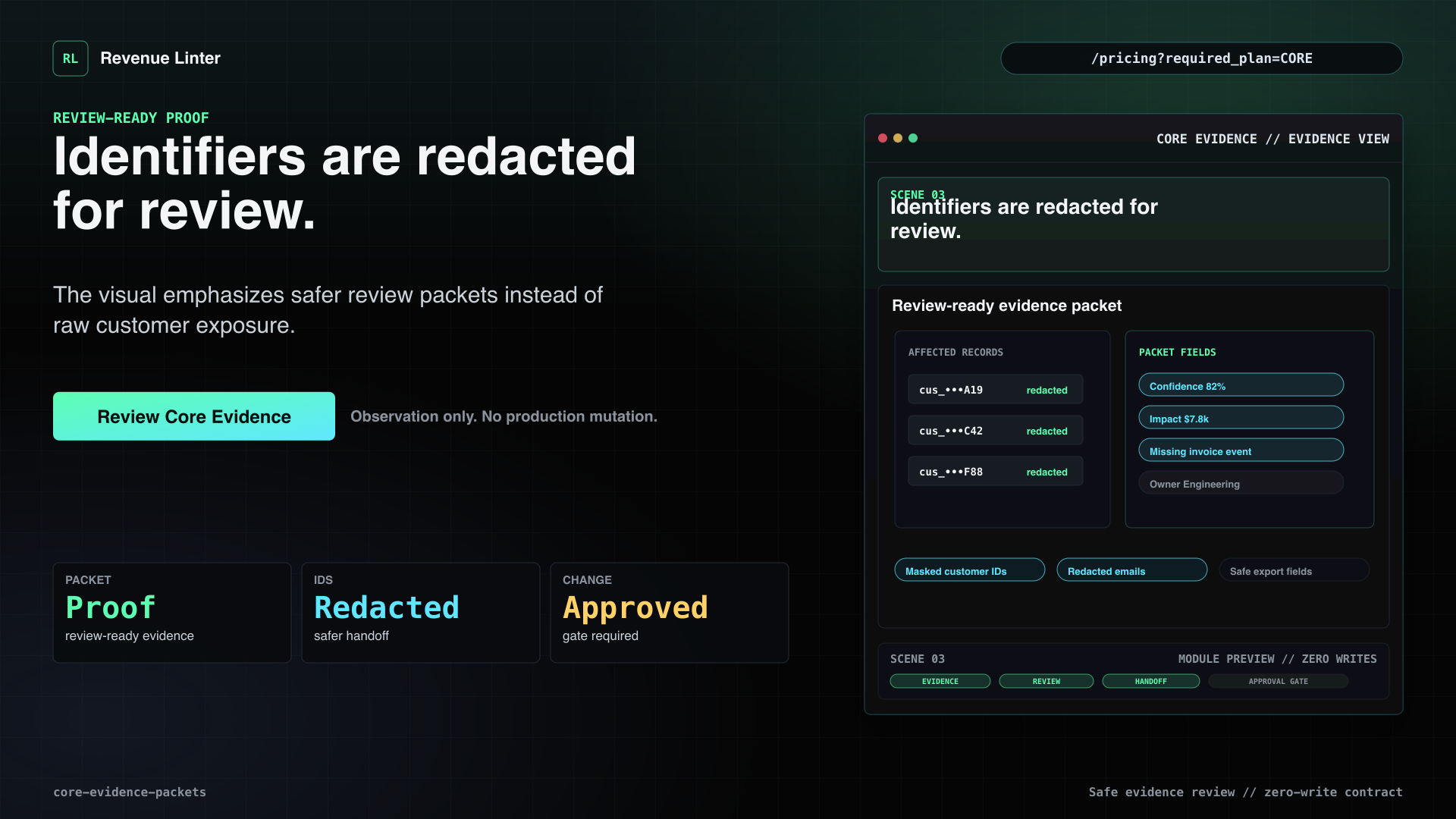
- Identifiers are redacted for review.The visual emphasizes safer review packets instead of raw customer exposure.
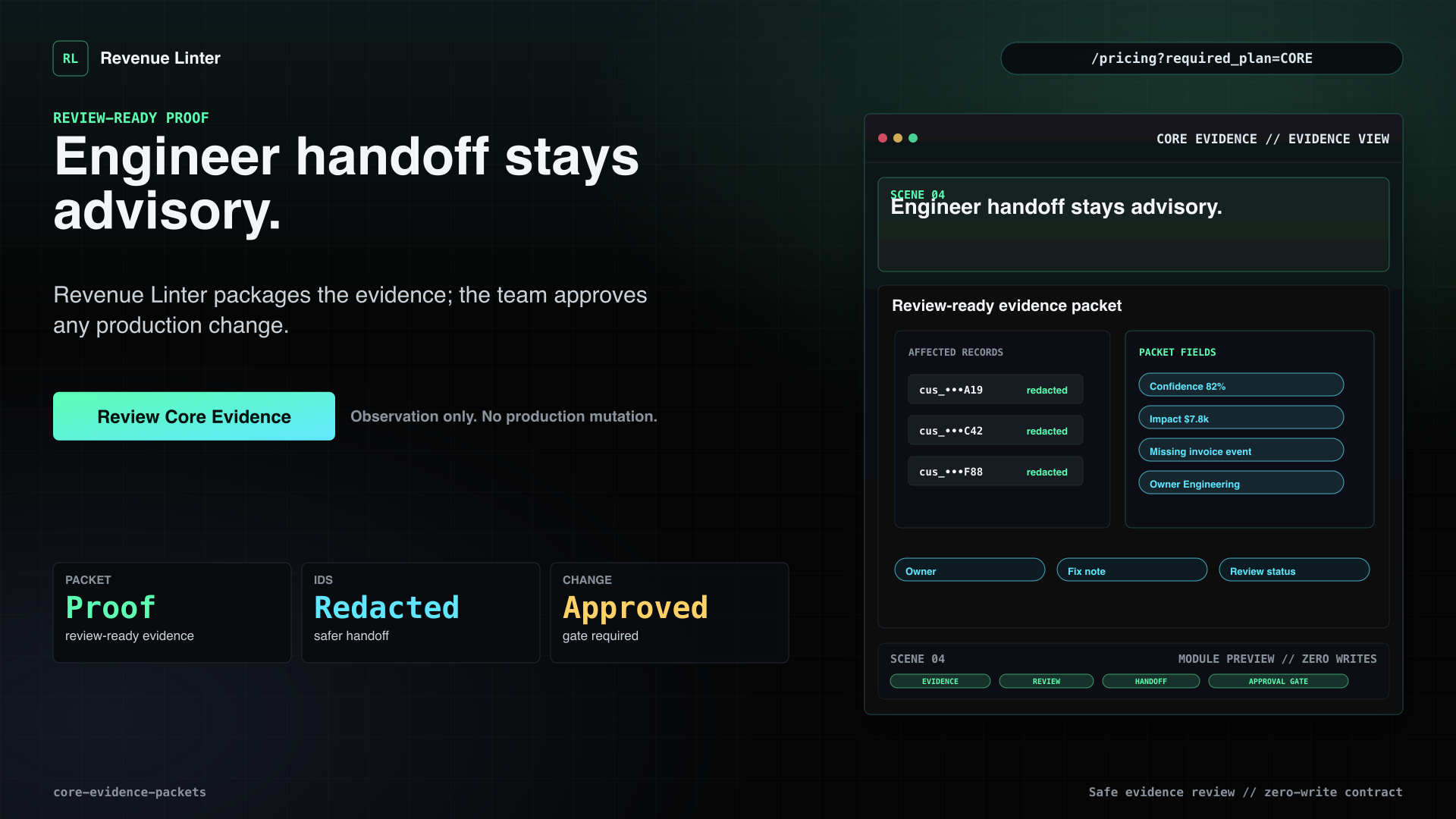
- Engineer handoff stays advisory.Revenue Linter packages the evidence; the team approves any production change.
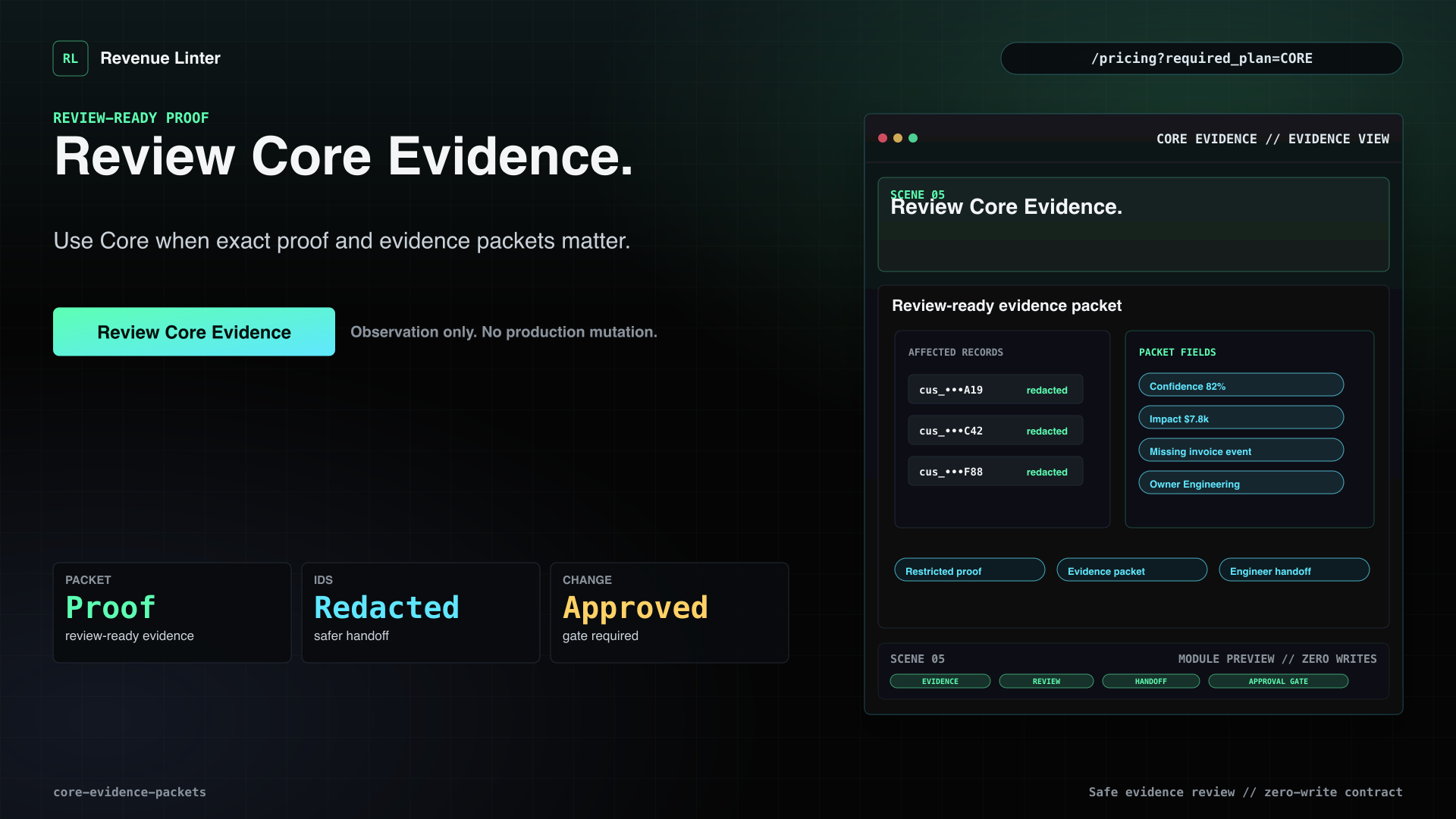
- Review Core Evidence.Use Core when exact proof and evidence packets matter.
Recurring review queue
Growth Monitor
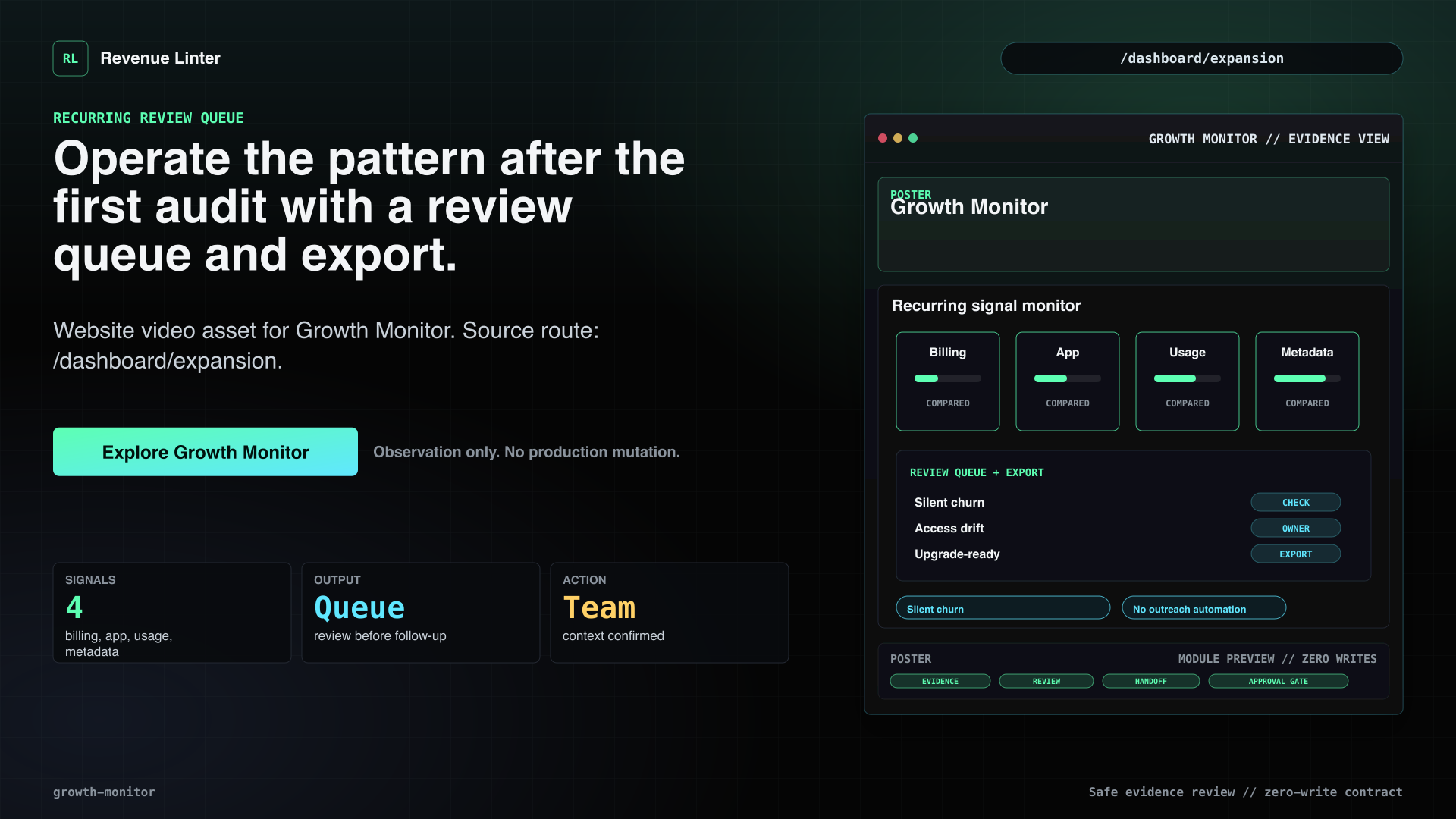
Operate the pattern after the first audit with a review queue and export.
Voiceover
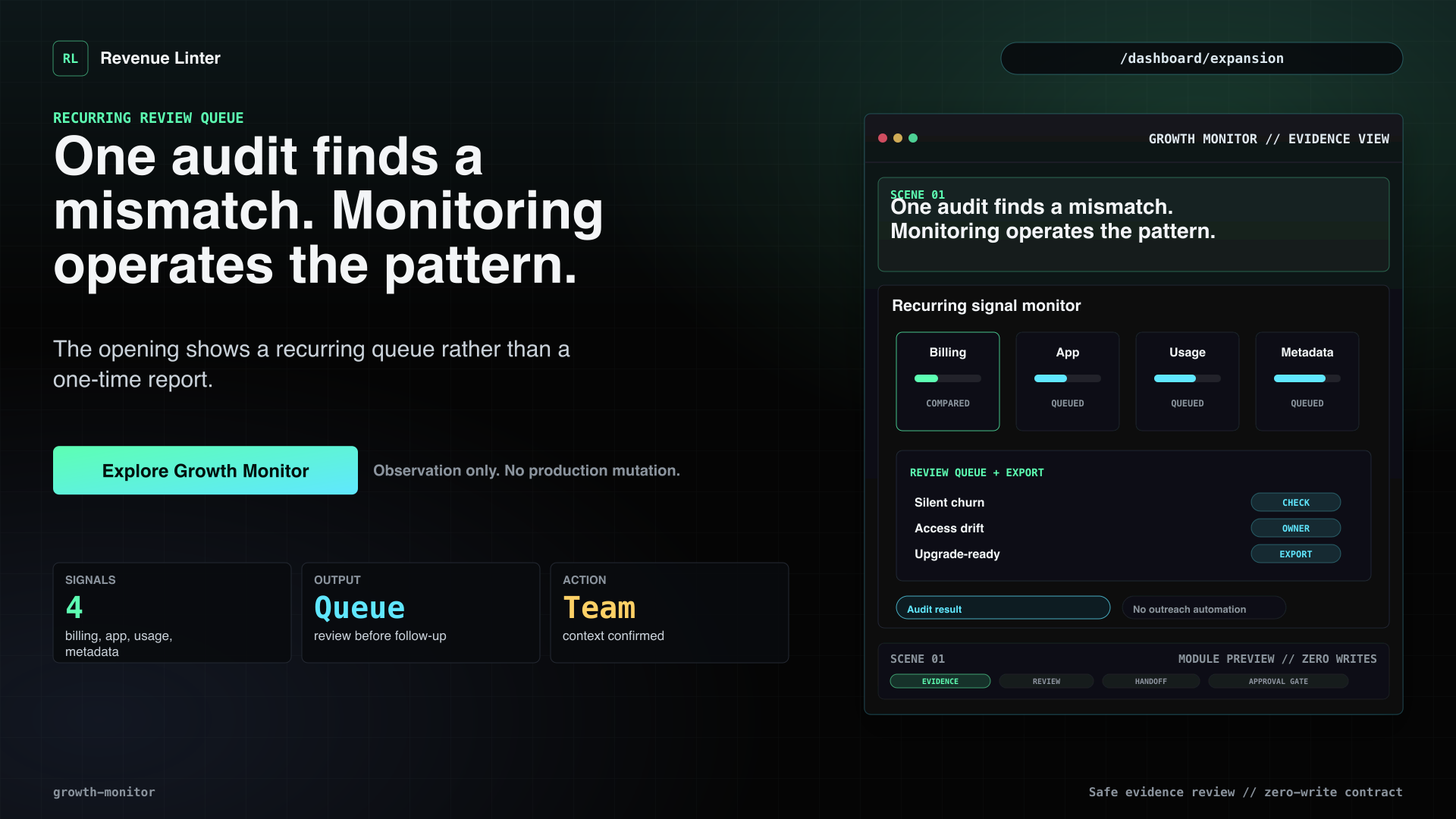
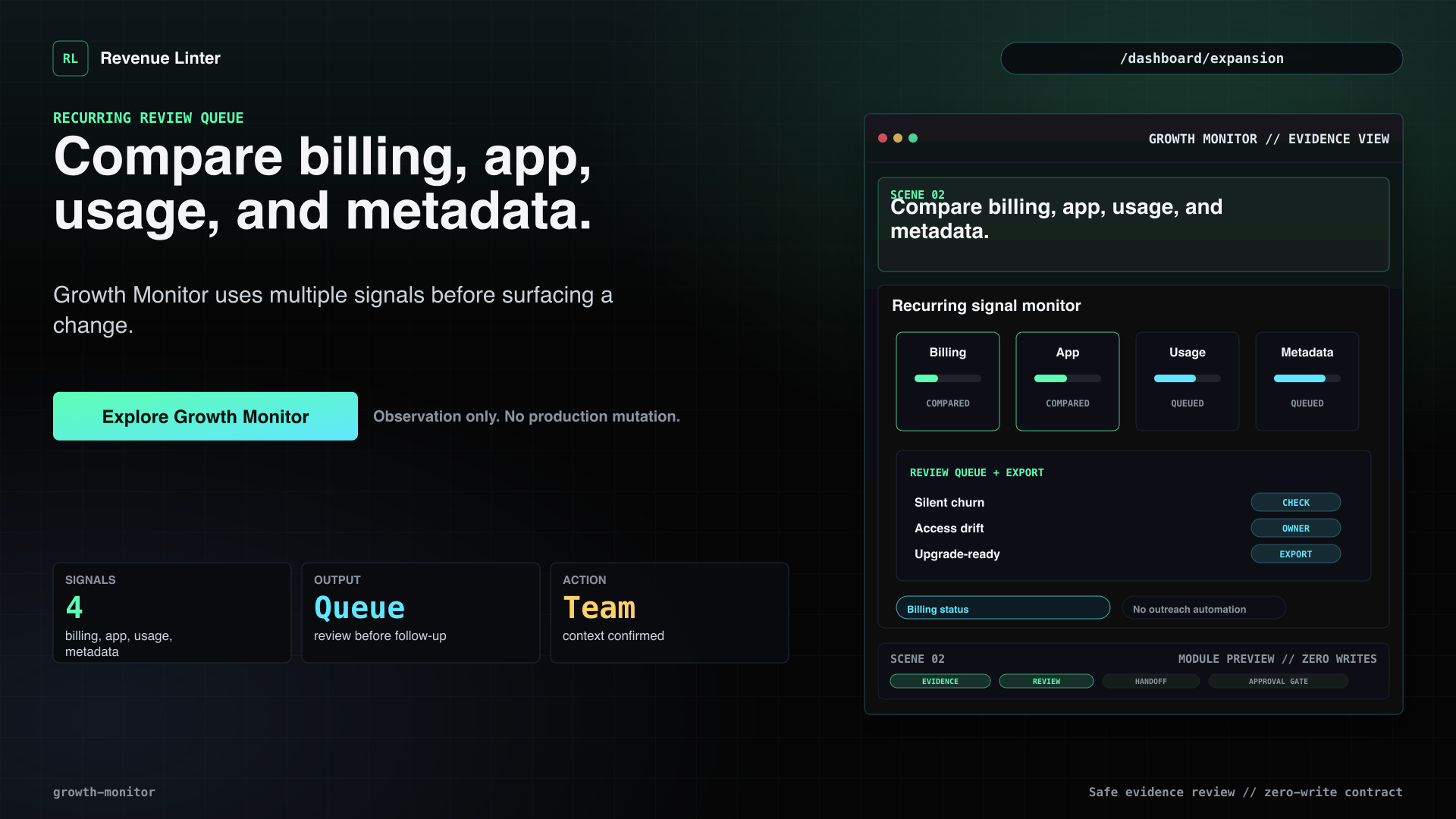
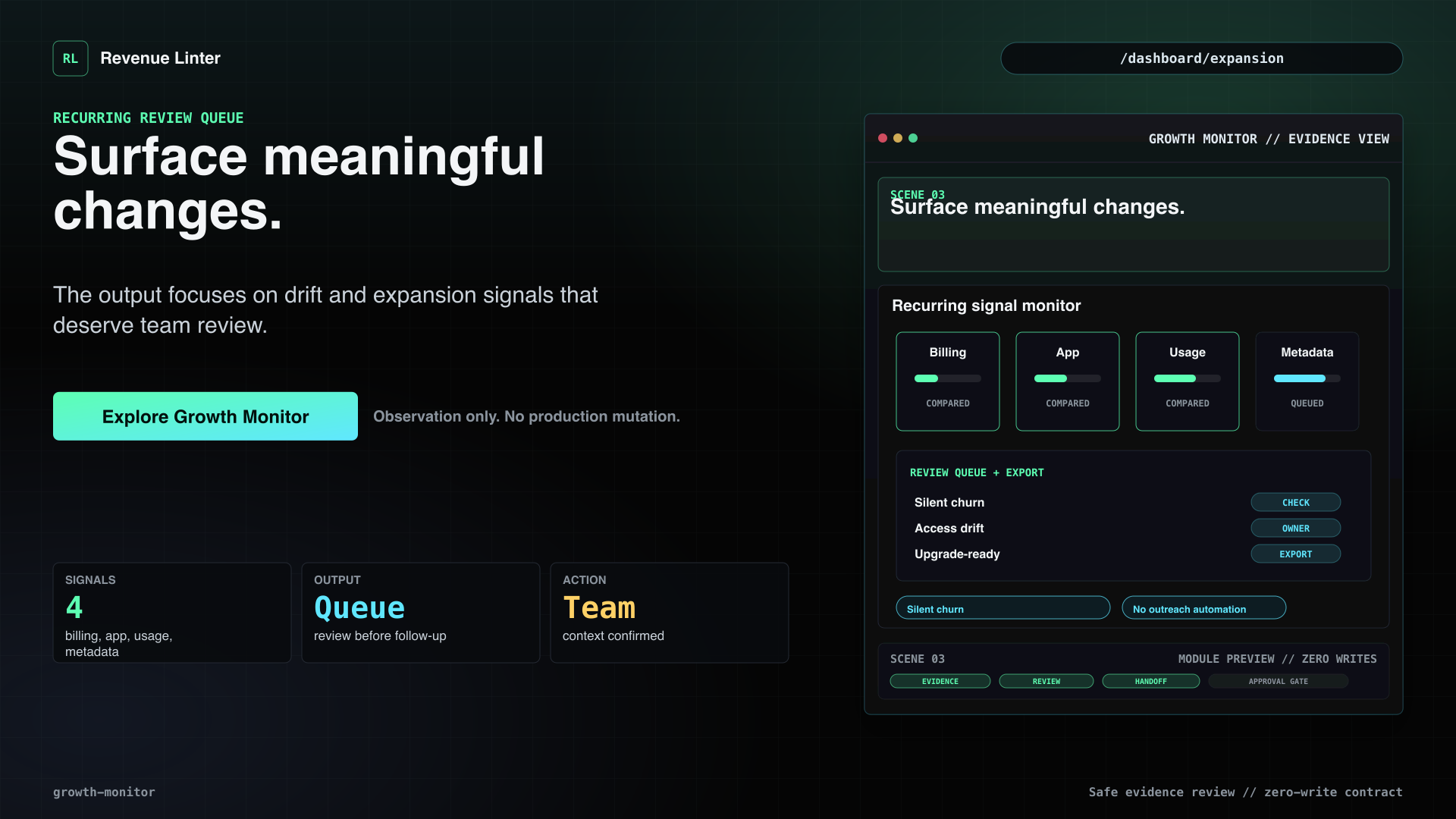
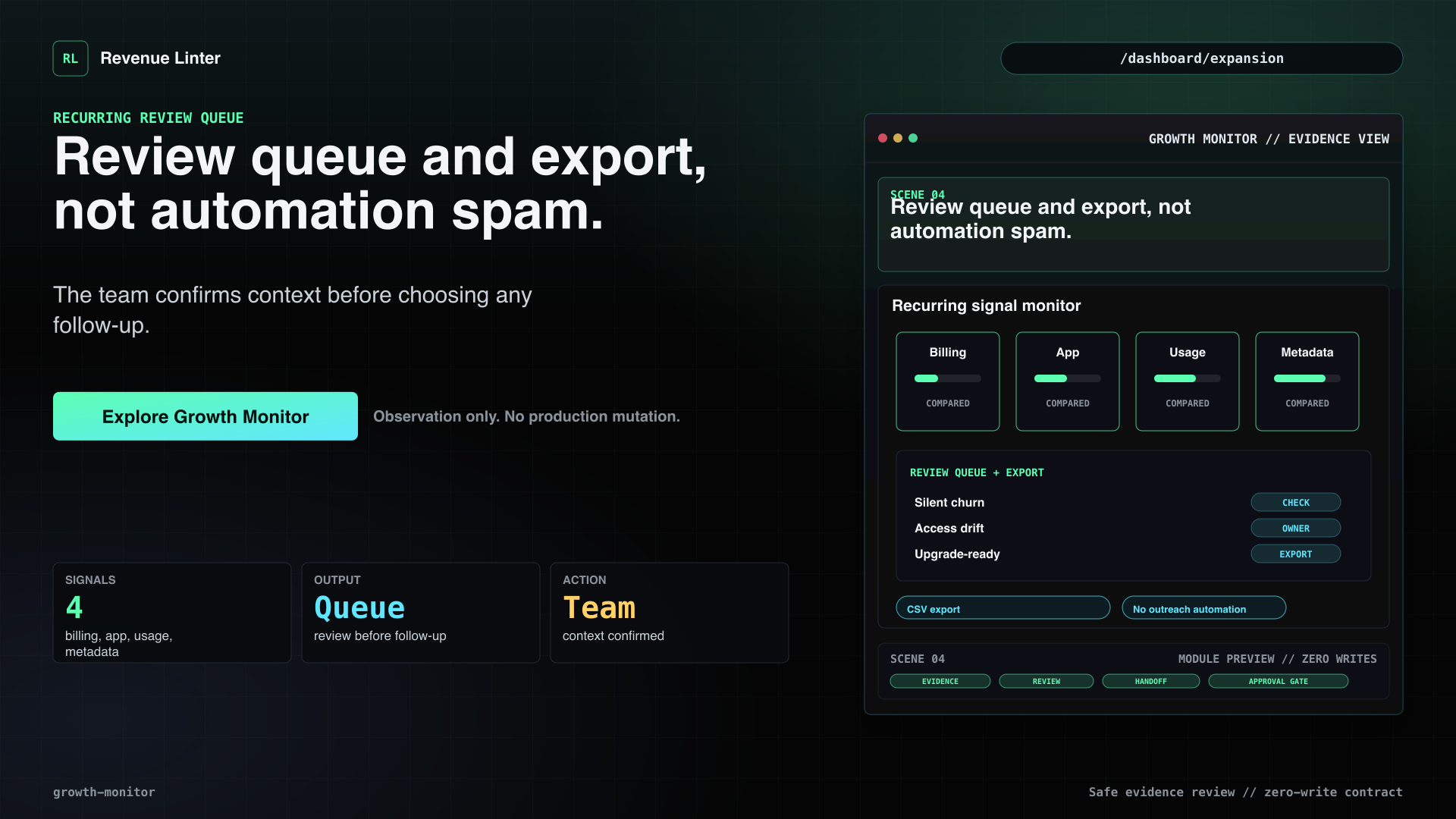
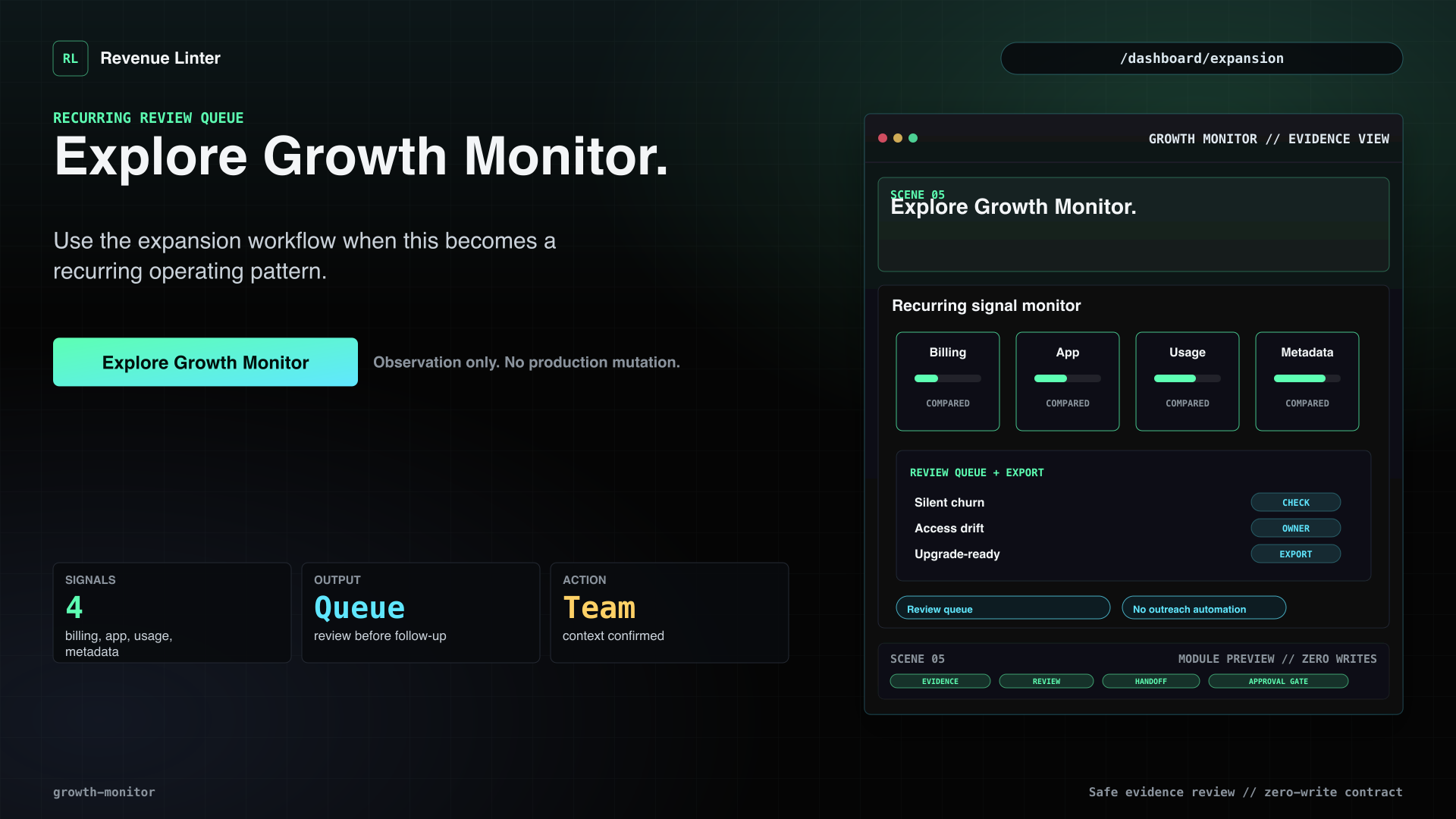
One audit can find a mismatch. Growth Monitor helps you operate the pattern after that. Revenue Linter compares billing status, app activity, product usage, and Stripe metadata to surface meaningful changes: silent churn, access drift, and upgrade-ready accounts. The output is a review queue and export, not an outreach bot. Your team confirms the context and chooses the follow-up.
Visual beats
- One audit finds a mismatch. Monitoring operates the pattern.The opening shows a recurring queue rather than a one-time report.
- Compare billing, app, usage, and metadata.Growth Monitor uses multiple signals before surfacing a change.
- Surface meaningful changes.The output focuses on drift and expansion signals that deserve team review.
- Review queue and export, not automation spam.The team confirms context before choosing any follow-up.
- Explore Growth Monitor.Use the expansion workflow when this becomes a recurring operating pattern.
Decision review layer
Audit Desk
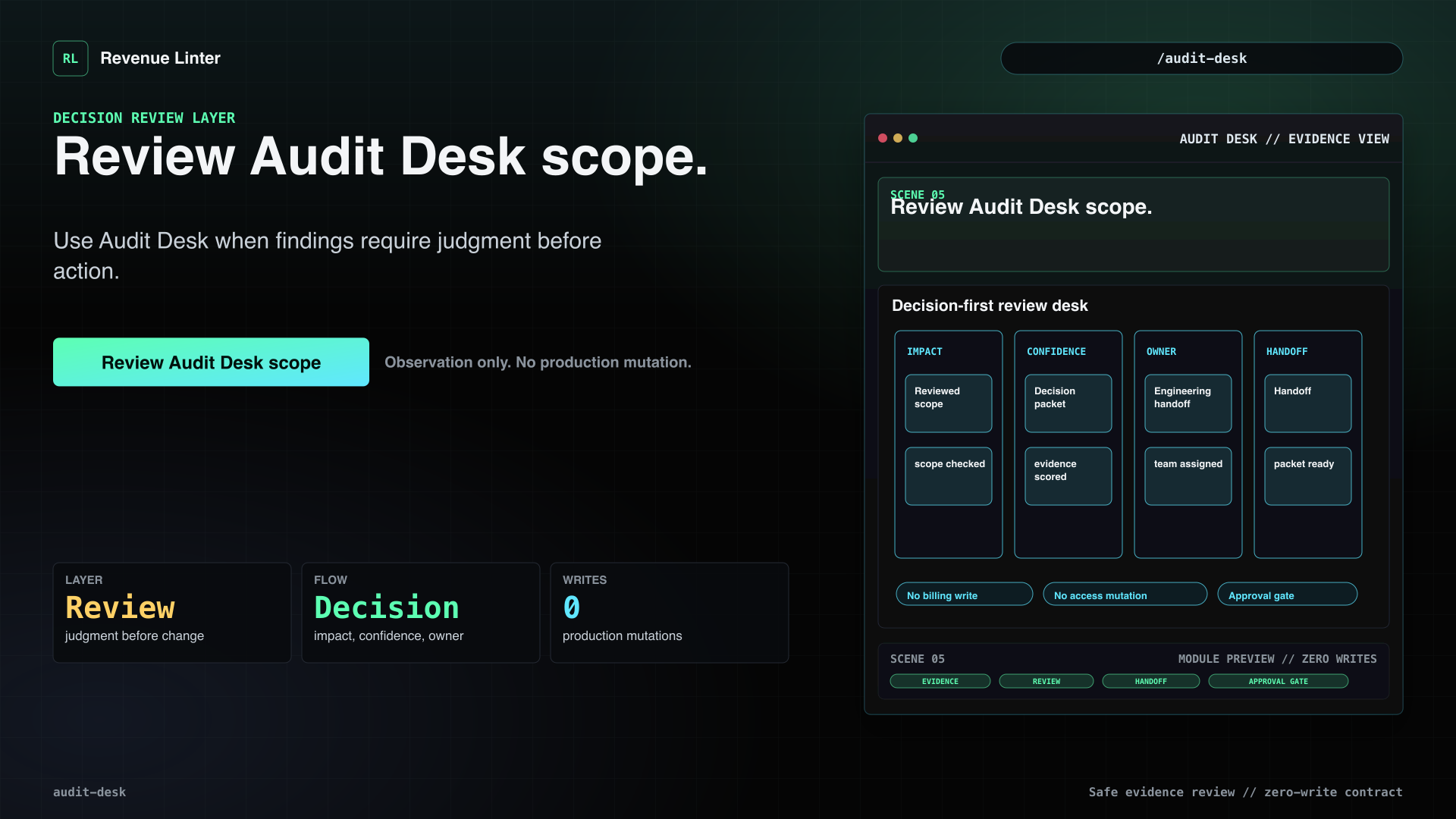
Add judgment before billing or access changes are handed to engineering.
Voiceover
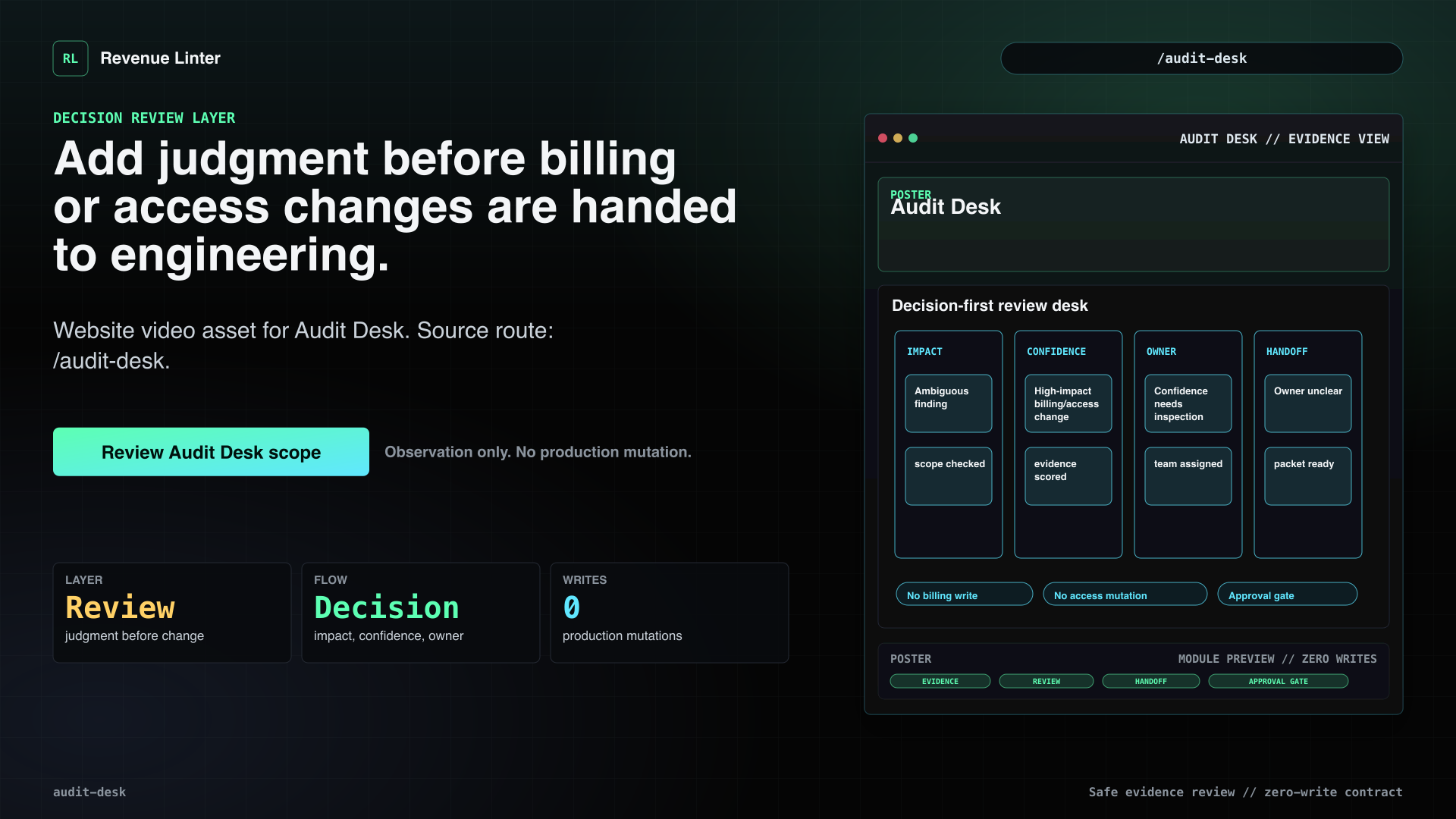
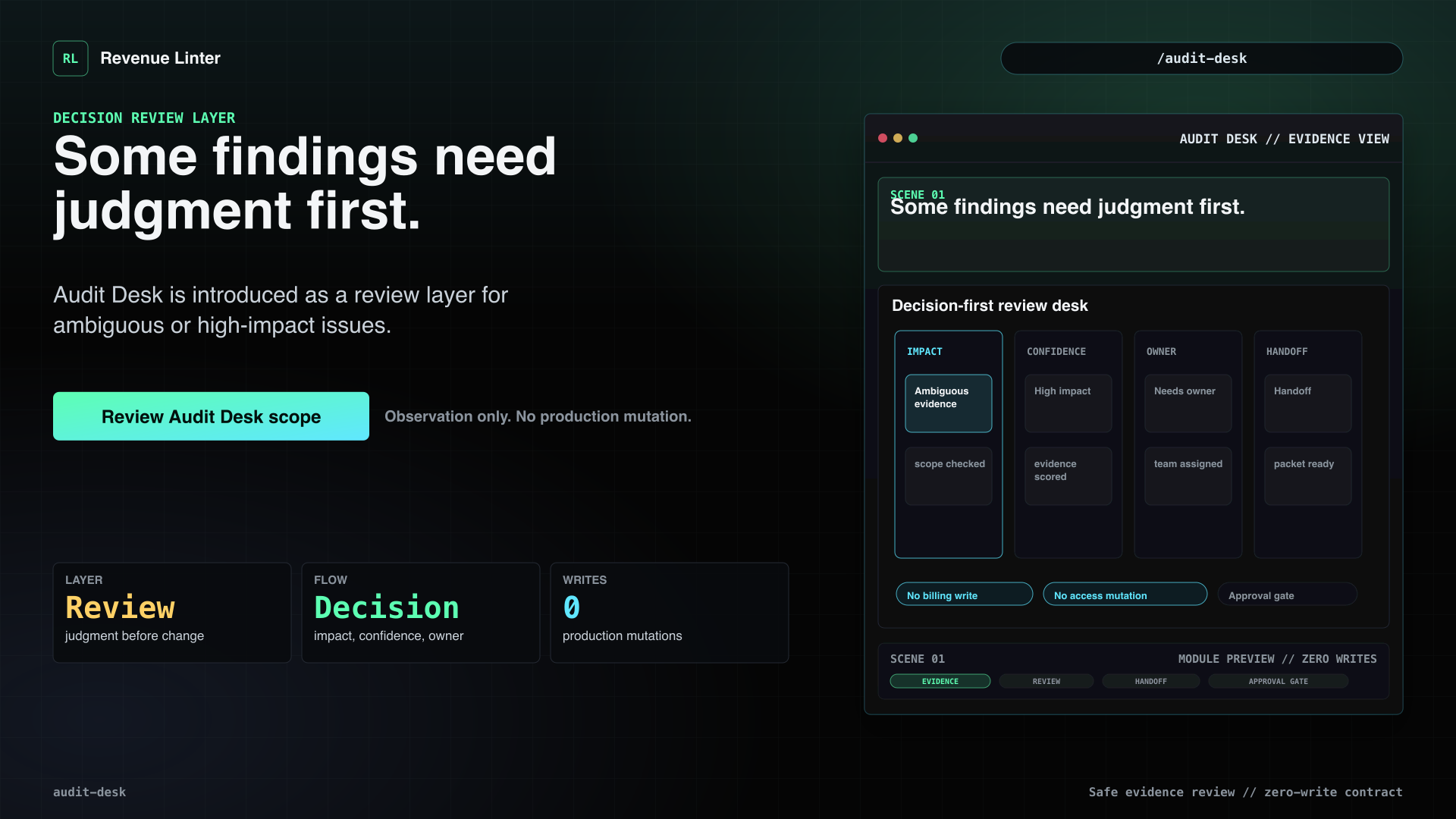
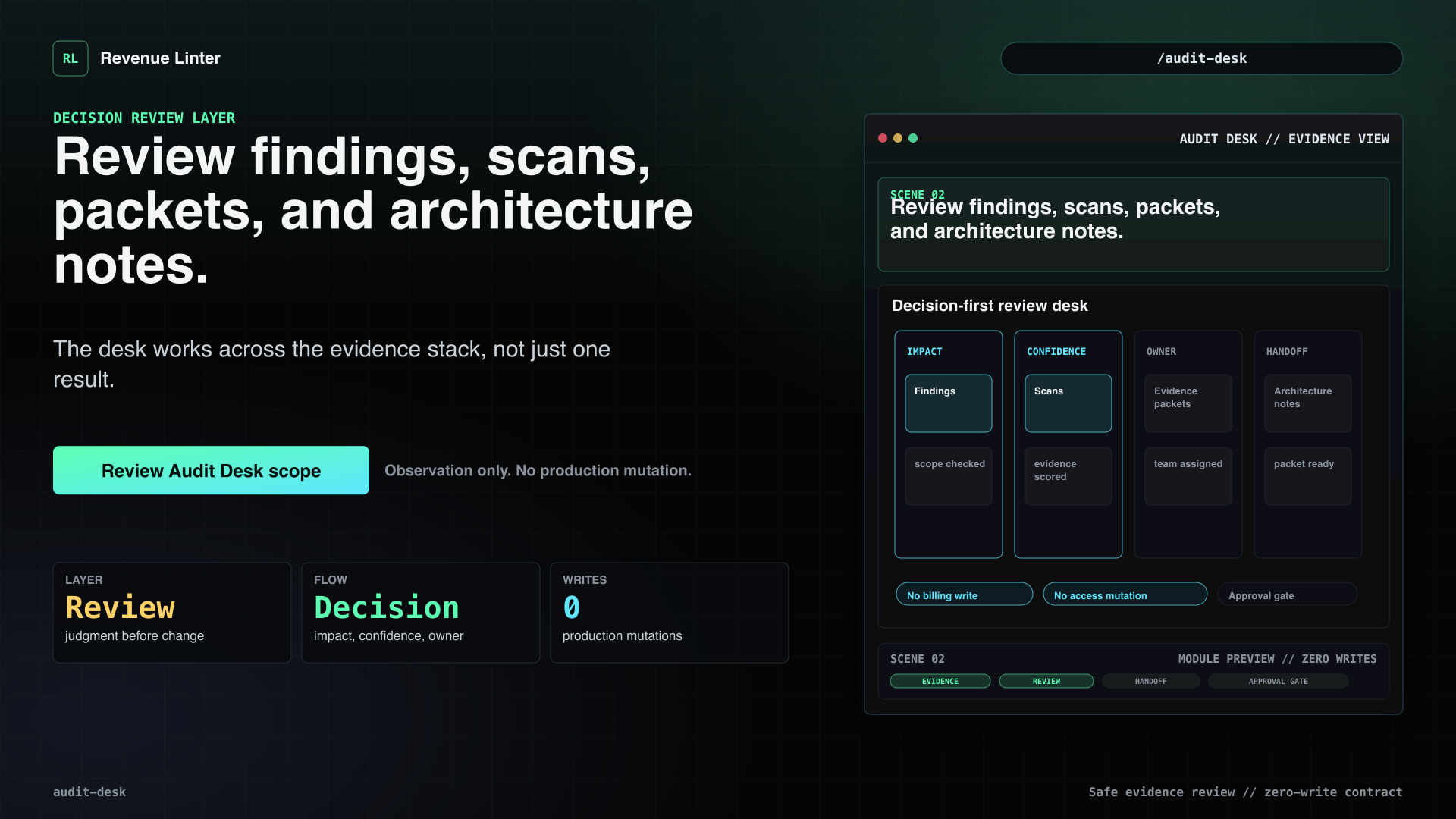
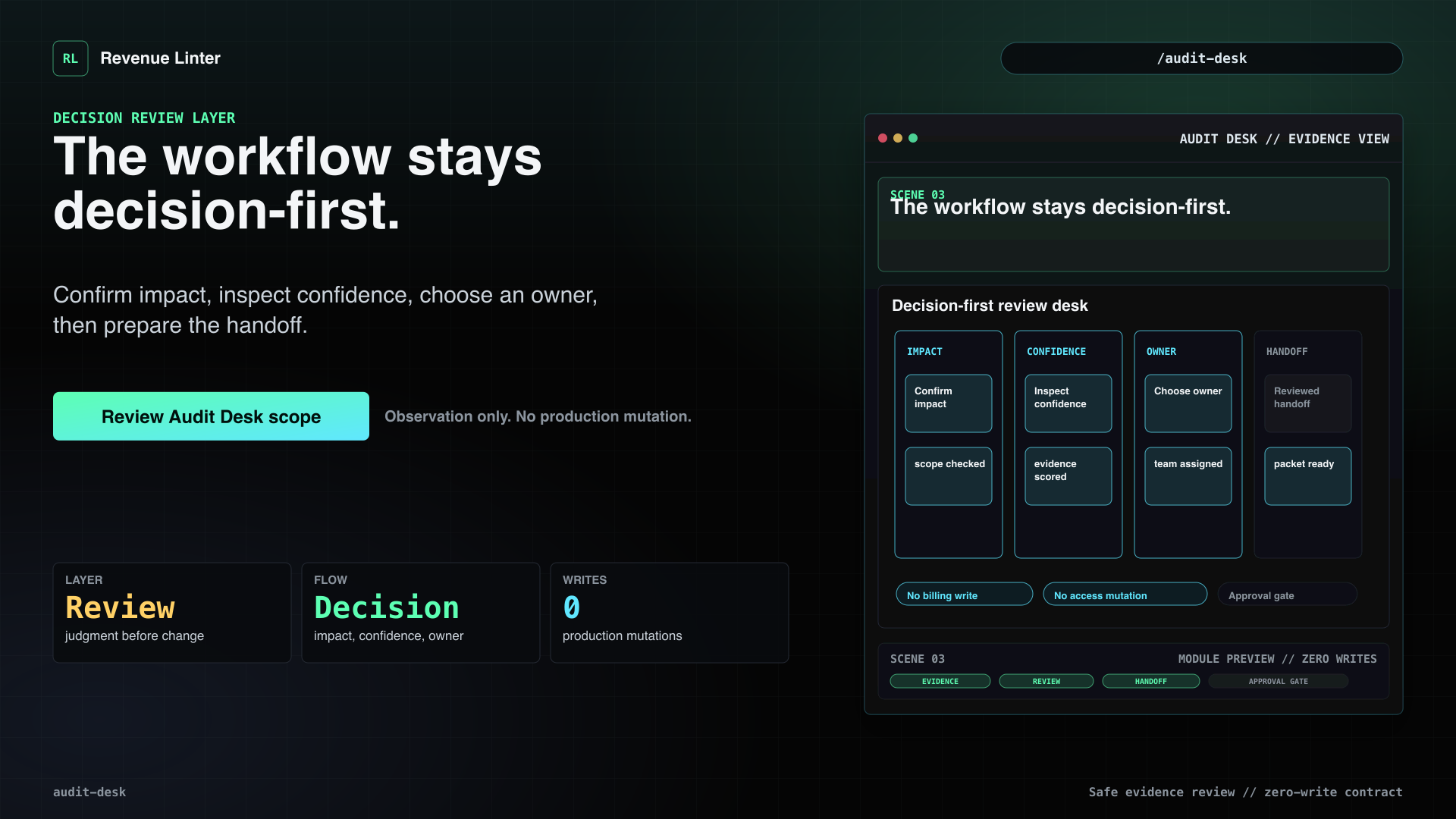
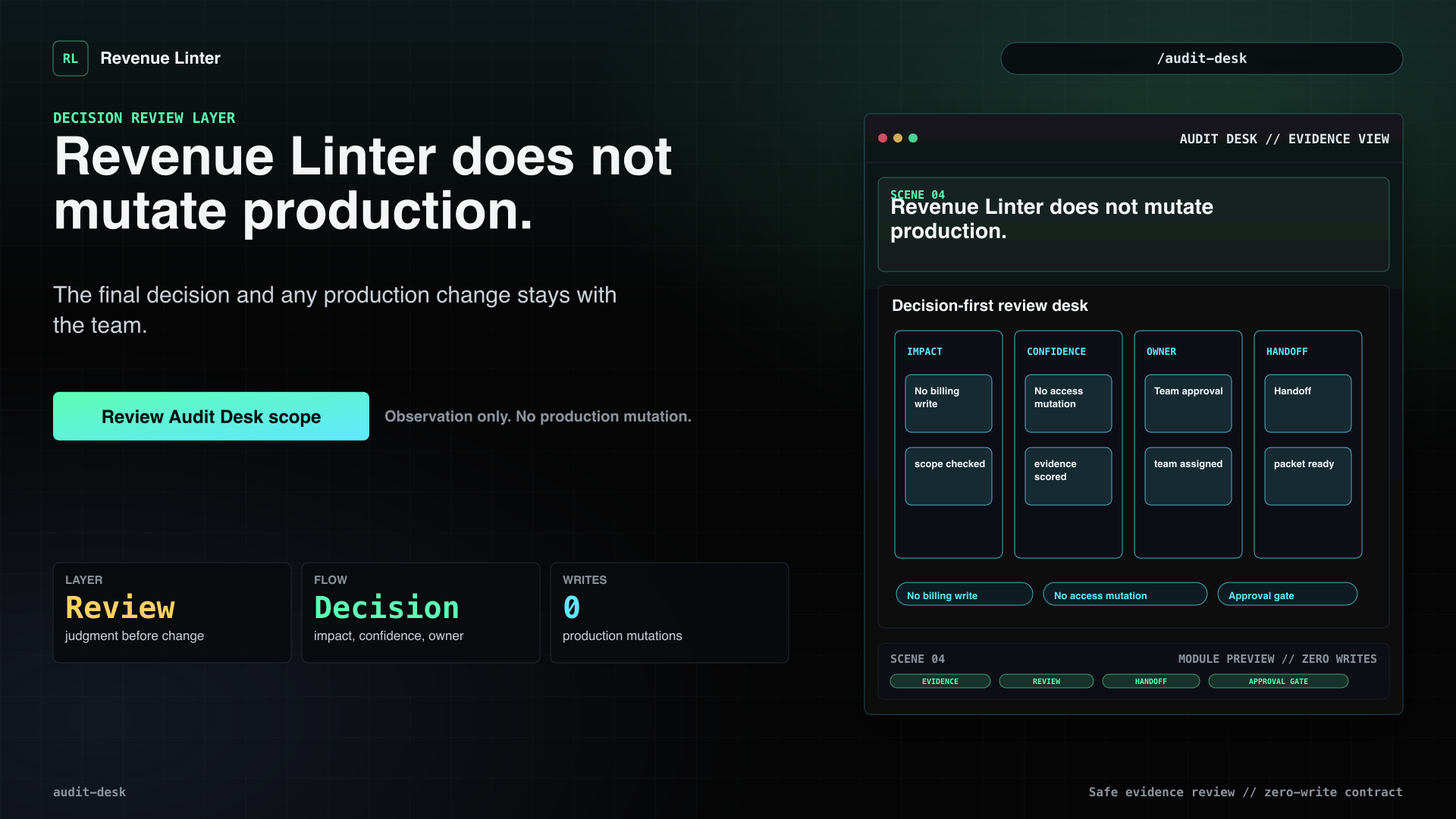
Some findings are obvious. Others need judgment before anyone changes billing or access. Audit Desk adds an expert review layer on top of findings, scans, evidence packets, and architecture notes. The workflow stays decision-first: confirm impact, inspect confidence, choose the owner, and hand engineering a reviewed packet. Revenue Linter does not mutate production. It helps your team decide what is safe to change.
Visual beats
- Some findings need judgment first.Audit Desk is introduced as a review layer for ambiguous or high-impact issues.
- Review findings, scans, packets, and architecture notes.The desk works across the evidence stack, not just one result.
- The workflow stays decision-first.Confirm impact, inspect confidence, choose an owner, then prepare the handoff.
- Revenue Linter does not mutate production.The final decision and any production change stays with the team.
- Review Audit Desk scope.Use Audit Desk when findings require judgment before action.